Modern Web Guidance 1.0: Teach Coding Agents to Write Modern Web, Not 2019 JavaScript
Last week I asked Claude Code to add a confirmation dialog to an admin page: open on delete, close on Esc or an outside click, return focus to the opener. The agent returned almost 200 lines of hand-written JavaScript and CSS — state, keyboard handling, z-index, scroll locking, a hand-rolled focus trap. The browser already ships <dialog>, which does all of that natively.
Accordions and tooltips get the same treatment, even though the browser already has <details> and Anchor Positioning. Agents pick the most common pattern in training data, not the best one today.
Modern Web Guidance 1.0, released on 10/11/2026, fixes exactly that: a skill plus a CLI that puts expert guidance before the agent as it writes code, with a scanner for old codebases.
What Is Modern Web Guidance?
It is 203 use-case guides covering 250 web platform features, packaged as a skill for coding agents with a just-in-time CLI.
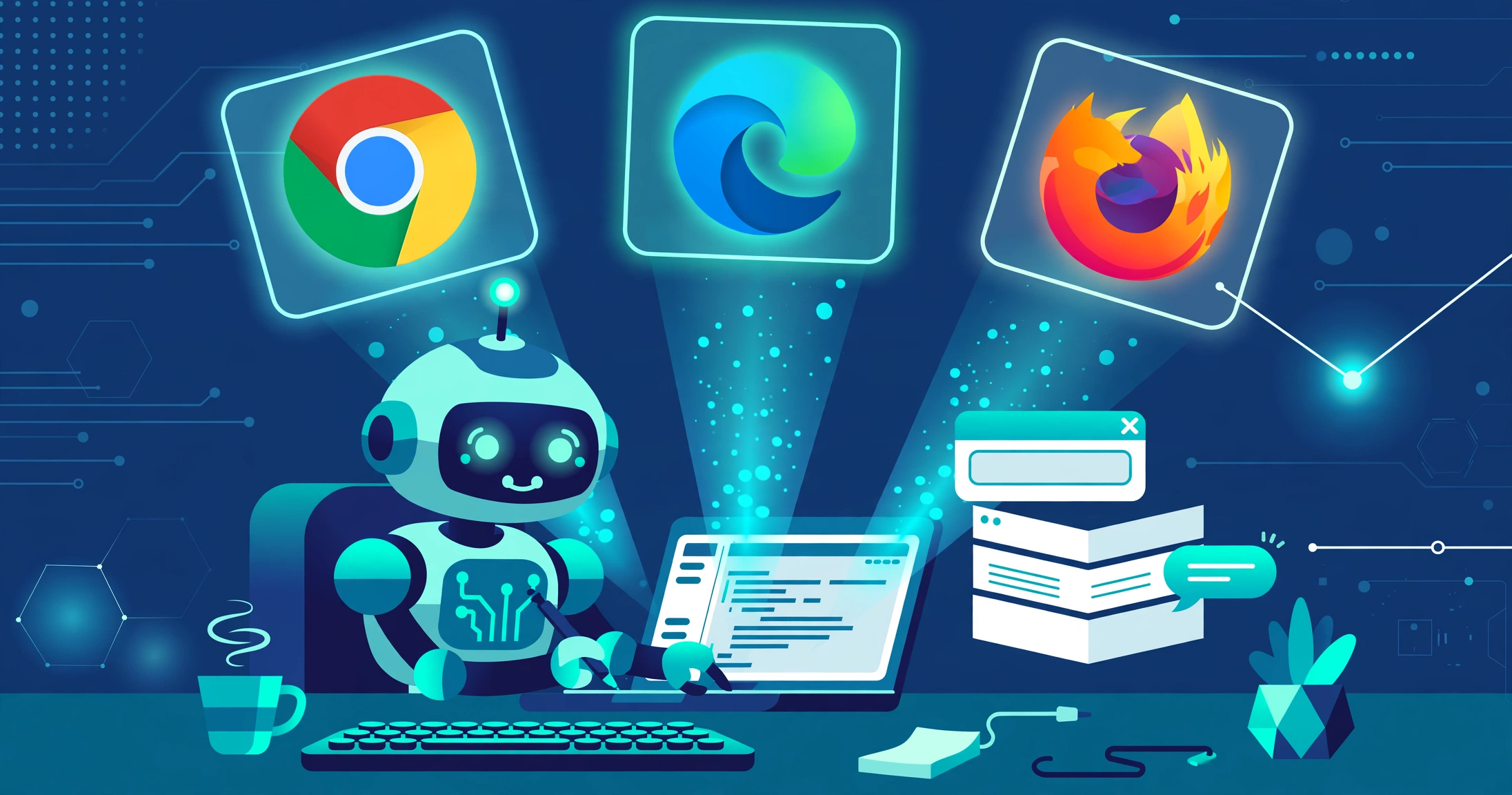
Version 1.0.0 left preview on 10/11/2026, after a preview from Google I/O in May 2026. It is stewarded by Google Chrome, Microsoft Edge, Mozilla Firefox, and MDN under six seats: Chrome two, Edge one, Mozilla one, and two independent experts.
The official repo is GoogleChrome/modern-web-guidance, Apache-2.0, 3,534 stars, 120 forks, one open issue (11/11/2026). The real guide source lives in sibling repo modern-web-guidance-src; this repo is distribution and plugin only.
The 250 features split into 140 CSS and layout, 74 JavaScript and APIs, and 36 HTML and DOM. Each guide follows a use case — for example, “animate a dialog modal backdrop” — with sample code, Baseline compatibility data, and a fallback for unsupported browsers.
Who Should Use It
Daily Claude Code, Codex, Cursor, or Gemini CLI users; frontend developers reviewing agent-generated code; and technical managers who care about agent-written code quality. Backend-only projects, or teams without coding agents, gain little. See also Hallmark and Taste.
Architecture and How It Works
This is not a new AI model, and it does not stuff all 203 guides into the agent’s context window.
Knowledge base: 203 Markdown guides by use case, with Baseline data and fallbacks.
Retrieval CLI: the modern-web-guidance command runs via npx, fully offline, using BM25 plus a dependency-free embedding model. Version 1.0 dropped TensorFlow.js, shrinking the npm package from 23.5 MB to 8.8 MB. The four main commands are install, search, retrieve, and legacy-scan.
Agent plugin: plugins exist for Claude Code, Codex, Cursor, Gemini CLI, Grok, and Kimi. A plugin is only a bridge: it tells the agent when to call search and retrieve, then loads just that guide.
For new code: prompt, agent calls search, gets a guide with Baseline data, generates code with a native API, and checks the fallback. For old codebases: legacy-scan scans statically, maps each finding to a replacement guide, then scan, verify, report, and modernize follow.
flowchart TD
    A["User prompt"] --> B["Coding agent<br/>Claude Code / Codex / Cursor / Gemini"]
    B --> C{"Guidance available?"}
    C -->|No| D["Old pattern from training data"]
    D --> E["Bloated JS code<br/>poor a11y / performance"]
    C -->|Yes| F["search → guide + Baseline data<br/>runs offline, BM25 + lightweight embedding"]
    F --> G["Code using native APIs<br/>dialog / Popover / Anchor Positioning"]
    G --> H["Output + fallback"]
    I["Old codebase"] --> J["legacy-scan<br/>static scan, deterministic rules"]
    J --> K["Report mapped to guides"]
    K --> L["Modernize"]
    L --> I
    J -.->|"covers only ~20% of guides with deterministic rules"| K
Dependencies and Limits
The only notable requirement is Node >= 22.0.0, in the engines field of package.json. An older Node version fails at install.
Configuration lives in .mwgrc. Volatile guides — single-engine, shipped in the last three months, or not yet stable — can be found with search, but retrieve blocks them unless you opt in with set-allow-volatile-features.
Two limits matter: legacy-scan covers only about 20% of guides with deterministic rules, so a clean scan does not mean modern code; and guides can go out of date as Baseline changes — the skill does not update itself.
Installing for Claude Code and Other Agents
Checked against the official README and release notes on 11/11/2026. I did not run the installation myself; the commands below are verified from the documentation. Try them first on a non-critical repo.
Prerequisites
node -v
npx --version
Node must be 22.0.0 or later, a coding agent must be installed, and you need write access to that agent’s configuration directory. An old Node version is the most common failure; upgrade Node or use Node 22+ via a version manager.
Install With One Command
npx modern-web-guidance@latest installThe interactive wizard asks which agent you use and installs the matching plugin. Verified routes:
| Agent | How to install the plugin |
|---|---|
| Claude Code | /plugin marketplace add GoogleChrome/modern-web-guidance, then /plugin install modern-web-guidance@googlechrome |
| Codex | codex plugin marketplace add GoogleChrome/modern-web-guidance |
| Cursor | Install via the Cursor plugin in the repo |
| Gemini CLI | Install via the Gemini extension |
| Grok / Kimi | Install via the corresponding plugin in the repo |
The repo contains .claude-plugin, .codex-plugin, .cursor-plugin, and .grok-plugin, plus gemini-extension.json and kimi.plugin.json. After installing, restart the agent or IDE. Opt out of telemetry with DISABLE_TELEMETRY=1.
Try Without Installing: search, retrieve, legacy-scan
npx modern-web-guidance@latest search "animate a dialog modal backdrop"
npx modern-web-guidance@latest retrieve "animate-to-from-top-layer"
npx modern-web-guidance@latest legacy-scan .
search returns a short list of matching guides, with IDs. retrieve fetches the full guide for animating with the top layer — a real example ID from the README. legacy-scan statically scans the current directory and maps each old pattern to a replacement guide. Zero findings does not mean modern code.
Common Errors
- Node below 22: upgrade Node or use Node 22+ through a version manager.
- Plugin does not load: check that you ran
marketplace addbeforeinstall, then restart the agent or IDE. retrieveblocked for a volatile guide: default behaviour, not a bug. Enable the opt-in in.mwgrconly if you accept the risk of a single-engine API.- Legacy-scan reports 0 findings on a clearly old codebase: expected — only 20% of guides have rules. Use
searchandretrievewhen writing or editing new code instead. - Skill is out of date: run
installagain or update the plugin from a new release.
Evaluation: Strengths, Limits, Security
Strengths. Multi-vendor knowledge with Baseline data: a consensus of Chrome, Edge, Firefox, and MDN. Just-in-time, offline, lightweight retrieval: an 8.8 MB package that does not load the whole library into context, saving tokens and reducing noise. Legacy-scan is deterministic and CI-friendly, using static rules rather than LLM judgement. One-command install for the most popular agents.
Limits, stated plainly. Eval figures come from the project itself, and snapshots disagree. Per the v1.0 announcement, about 200 tasks with about 1,700 Playwright and AST assertions gave unguided 55% and guided 92%. Search Engine Journal recorded 88% versus 56% for the preview, not v1.0. This article presents only that one attributed figure. Do not read 92% as an independent benchmark; the public eval dashboard lets you check it by date.
Legacy-scan covers only about 20% of guides — a structural limit, not a bug. The other 80% still depends on the agent looking up guides and on manual review. Pilot information is secondary and unverified: per Search Engine Journal, note inc. in Japan tested it with two coding agents, six UI tasks, and 180 runs; MetaMask uses it in automated PR review. Treat these as signals, not firm evidence.
An agent can still apply a guide wrongly: a native API with no fallback, a broken design system, or a pattern unsuited to the target browsers. The skill does not replace PR review, and this article did not measure scan speed or tokens saved.
Security and operations. The skill only reads guides and statically scans the local codebase; it runs no production code and has no daemon. The main risk is the output: a wrongly applied guide can cause functional or accessibility bugs. Mitigate it with PR review and by checking fallback and Baseline data before merging.
Comparison With Alternatives in the Same Scope
| Criterion | No guidance | Manual MDN lookup | ESLint / static scan | Modern Web Guidance |
|---|---|---|---|---|
| Authoritative source | None | High, scattered | Depends on rule set | High, multi-vendor + Baseline |
| Knowledge into the agent | No | No | No | Yes, just in time |
| Scanning old code | No | No | Broad | Narrow, ~20% of guides |
| Determinism | Not applicable | Depends on the person | High | High for scan |
It wins on curated, use-case knowledge and just-in-time retrieval, and loses to linting on scan coverage — combine both.
Real Use Cases
Enterprise — reviewing agent-generated PRs. Guidance becomes a review checklist: new agent-written code goes through the guides, and reviewers check Baseline data and fallbacks before merging.
Frontend developer — daily workflow. Prompt the agent, it searches for a guide, the code uses a native API, and the developer checks the fallback. Four common patterns: modal to <dialog>; accordion to <details>; tooltip to Anchor Positioning; modal animation to the animate-to-from-top-layer guide.
DevOps — legacy-scan in CI. Add legacy-scan to CI as a gate for known patterns, set to fail or warn per team policy, with manual review for the 80% of guides without rules.
Backup and Rollback
There is no runtime or daemon, and it touches no production data, so rollback is cheap. Before installing, back up the agent config and .mwgrc if one exists. If it does not fit, remove the plugin, delete .mwgrc, then run legacy-scan on a sample repo to confirm. Modernized code can only be reverted through git after review.
Conclusion
Use it if: you use a coding agent daily as a frontend developer; your team reviews a lot of agent-generated code; or an old web codebase needs gradual modernization. Not yet if: the project is backend-only; it must support very old browsers without complex fallbacks; or the team needs full-codebase static scanning — legacy-scan covers only 20%.
Four next steps in 30 minutes: run npx modern-web-guidance@latest install (Node 22+); run legacy-scan on a real repo; try search and retrieve for an upcoming frontend task; decide whether to put the scan in CI.
Lessons Learned
- Agents write old code because training data holds a lot of legacy code — fix it with just-in-time knowledge, not longer prompts.
- Just-in-time retrieval beats stuffing context: one correct guide matters more than all 203 guides.
- A clean legacy-scan does not mean modern code — 20% coverage is a structural limit.
- Do not trust a single eval number: 55% to 92% is the project’s own figure; snapshots differ.
- A native API is only good with a fallback and Baseline data.
- Rollback is cheap with no runtime: remove the plugin and delete the config.
Verification Scope
Check date: 11/11/2026. Verified: repo, stars, license, v1.0.0 date and contents, install/search/retrieve/legacy-scan commands, plugin routes, Node 22+, 203 guides / 250 features, legacy-scan ~20%, package 23.5 MB to 8.8 MB, and Chrome/Edge/Firefox/MDN stewardship. Not tested: I did not install or run the commands, or measure scan speed or token savings. Eval and pilot figures come from the project or secondary reporting. Volatile features are blocked by default in retrieve, open only with opt-in via .mwgrc; legacy-scan rules are deterministic, not LLM judgement.
Bình luận
Bình luận được duyệt trước khi hiển thị.Đang tải bình luận…
Để lại bình luận