Agent Autoloop — Open-Source Hub That Runs AI Agents in the Background, with Approval Cards for Sensitive Work
It is 2 AM. A new GitHub issue appears in a repo you follow; you are asleep, and the next morning it is still there, unclassified. Or the familiar scene: you ask Claude Code to clean up an old log folder, it stops halfway and asks “should I delete this file?”, and you have to sit and watch the terminal. CLI agents run in the foreground, tied to an open terminal — close the terminal, lose the session, kill the agent.
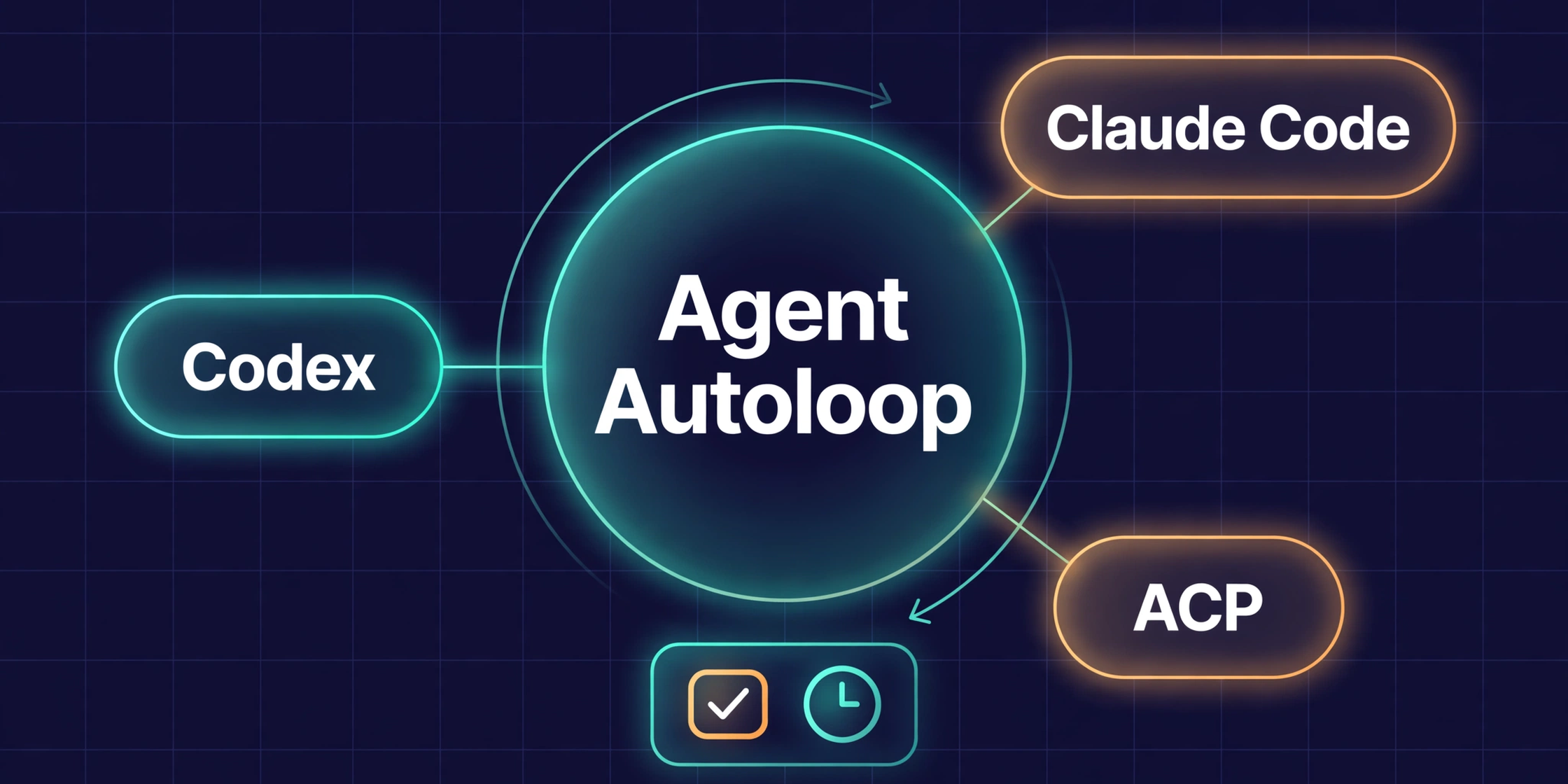
Agent Autoloop exists for exactly this gap. It is not a new agent or model, but a scheduling and lifecycle hub for the agents you already use — Claude Code, Codex, ACP — so they run on their own on cron, GitHub events and webhooks. When sensitive work comes up, the agent exits its process entirely, sends you an approval card, and resumes the same session when you answer.
What Is Agent Autoloop? The Problem It Solves
Agent Autoloop is an MIT-licensed open-source project, repo KKKKhazix/agent-autoloop, created 3 November 2026, already past 5,000 stars and 923 forks by mid-November; latest release v1.8.3, dated 13 November 2026.
How it works, in five steps: an event comes in (cron, GitHub issue, webhook, error) → the kernel matches rules.json, merges duplicates, and assigns the agent and directory → the agent runs one round and exits → sensitive work sends an approval card via Feishu, Slack, Discord or desktop notification → you answer, and the agent resumes the same session.
Cron plus a raw agent sounds simple, but it breaks in four places: sessions cannot resume after each cron run; with no approval step, an agent meeting a file to delete at 2 AM either decides on its own or stops; with no loop protection, an agent re-triggers itself until the quota is gone; scattered logs make tracing impossible. Autoloop patches all four: session resumption, approval cards, a hop limit, and an append-only event store.
Use it if you already run Claude Code or Codex daily and have repeatable work — morning reports, issue triage, website patrols, alert diagnosis — and want it to run itself while you keep the final say. Not yet if tasks need a human watching every step, the repo is not trusted, or you plan high-frequency automation on a personal subscription.
Architecture: Kernel, rules.json and the Agent Lifecycle
flowchart TD
    A["Event: Cron / GitHub / Webhook"] --> B["Kernel + rules.json<br/>Match rules, dedupe events"]
    B --> C["Agent CLI: Claude Code / Codex / ACP<br/>One round, then EXIT"]
    C -->|Done| D["Append-only event store<br/>Receipts, logs, pending state"]
    C -->|Sensitive work| D
    D --> E["Approval card: Feishu / Slack<br/>Discord / Desktop"]
    E --> F["Human reviews: Approve / Reject"]
    F -->|Approve| G["Resume the same session"]
    F -->|Reject| D
    G --> C
    C -->|New event| B
    H["Delivery: deliver label on PR → review<br/>→ wait CI → merge → wait deploy"] -.-> B
The core idea: the agent never runs permanently — one round, then exit, or exit at once when approval is needed; state stays in the event store. A human is the only gate before sensitive work, agent events are capped at 8 hops, and delivery config is read only from main.
4 Kernel Mechanisms That Make the Difference
Zero-process, zero-token waiting. When the agent needs your input, its process exits completely and its state is saved to a database. This is the project’s cheapest design decision — and its most fragile point: resuming depends on the underlying CLI agent still holding that session. If the session expired while you slept, the agent may start over.
Append-only event sourcing. Every event, result and receipt is written to the log in sequence — never edited, never deleted. Trace it with runs and why <n>.
Instruction separated from data. Issue or webhook content is only an attached document, never merged into the agent’s prompt. Events carrying cwd, agent or access fields are rejected outright.
Hop limit of 8 for agent-generated events. An agent may create a new event to trigger the next round, but the chain stops at the eighth hop — an infinite loop is blocked instead of spinning until the quota is gone.
Main Components and Technical Limits
The kernel is written in TypeScript, runs on Node 24 or newer, and the author states 0 runtime dependencies. Each rules.json rule declares its trigger, agent, working directory, and permissions. Adapters connect Claude Code, Codex, ACP, DeepSeek Harness and ZCode, plus a generic command adapter for pi, OpenClaw, Hermes, Cursor CLI or CodeBuddy — the author notes these generic commands have not each been run, so this article has not verified them either. The default approval channel is the desktop notification.
System requirements: Node 24 or newer, Git; macOS and Linux also need curl; no GitHub account required. The README lists Windows, macOS and Linux; Windows support looks new since 4 November and is untested here. Verified limits: the four webhook templates were tested only on local mocks, the GitLab webhook has not touched a real GitLab, sample data is fictional, and scripts and receipts were tested only with local HTTP and a fake Feishu CLI.
Install and Run the End-to-End Try
You need Node 24 or newer, Git, curl on macOS/Linux, and a signed-in Claude Code, Codex or ACP CLI. The reference version is v1.8.3 (13 November 2026) — the repo releases almost daily, so check the latest release first. Warning: both install commands pipe a script from the internet into the shell — download it, read it, then run it.
On Windows, open PowerShell:
irm https://raw.githubusercontent.com/KKKKhazix/agent-autoloop/main/install.ps1 | iexOn macOS or Linux:
curl -fsSL https://raw.githubusercontent.com/KKKKhazix/agent-autoloop/main/install.sh | shThen run agent-autoloop check to confirm the kernel, Node, Git and signed-in agent CLIs are ready.
The end-to-end trial command is agent-autoloop try: it asks you a question, the agent runs one round and asks again, you answer with agent-autoloop answer 1 <number>, then check agent-autoloop status. Expected: the agent finishes a round and exits, the approval card appears, and after you answer, the agent resumes the same session. If no card appears, check the notification channel first — most first-time failures are there, or a CLI agent that is not signed in. The try step is mandatory before enabling a real rule.
Writing Your First rules.json
Autoloop ships with 8 ready recipes: morning-brief, github-issues, ops-alerts, website-watch, feedback, feishu-brief, inbox-triage, PR delivery — plus browser-handoff and weekly-sweep.
A minimal setup has two rules: a morning-brief cron at 8 AM summarizing notes and Git commits, and github-issues polling the repo every 5 minutes to classify new issues. Each rule declares its trigger, agent, working directory cwd, and permissions — keep them narrow at first. Manage them with rules explain, emit <type> --dry-run, pause, resume or run <rule>, runs, why <n>, and update.
Common Errors and How to Fix Them
Node below 24 or missing Git/curl: upgrade and install, then run check again. Webhook or card not arriving: test with a local mock first, then check the notification channel and the webhook token. Agent cannot resume its session: check the CLI agent’s session — it belongs to the CLI agent, not to Autoloop.
Technical Assessment
Strengths. Cheap while waiting: no process or tokens spent during approval waits. Safe by design: approval cards, instruction/data separation, hop limits and delivery config read only from main. One-command install, an end-to-end try command, 8 ready recipes, config in rules.json with no code to write.
Weaknesses. The repo is 10 days old as of 13 November 2026 and releases almost daily — APIs and config can change fast, so pin a version and read the changelog before running update. Many “it works” states are only at local or mock level so far, not real production: the GitLab webhook, webhook templates, generic agents.
Performance — only numbers with a source. The author reports measurements on an Apple M5 Pro 24GB, Node 24.21.0: cold start 88.78 ms; idle 59.94 MB RSS; 1,000 concurrent waiting polls at 170.49 MB; durable writes 2,394 events/s; dispatch p99 1.82 ms; 0 runtime dependencies. These are the author’s own measurements, not independently verified — not a benchmark. A dispatch p99 of 1.82 ms is not what decides the experience: the real bottleneck is approval time plus agent runtime. Autoloop fits individuals and small teams at moderate frequency; for high frequency, use an API key and monitor with runs.
Security, backup and rollback. Read the install script before piping it. Webhooks must be authenticated, and events carrying strange cwd, agent or access fields are blocked — the kernel rejects them by design. Keep Feishu, Slack or Discord tokens separate; never commit them into rules.json or a repo. Do not use a personal subscription for high-frequency automation.
Before enabling a rule with write or delete permissions, have a clear way back: stop the kernel, pause the rules, remove or disable the rule that caused trouble, revoke the webhook token if the approval channel was exposed. Do not delete the event store in a hurry: runs and why are the only audit trail of what the agent did unwatched.
Comparison with Solutions in the Same Space
| Criteria | Agent Autoloop | Cron + raw Claude Code | Orca | WorkTrunk | T3 Code |
|---|---|---|---|---|---|
| Trigger | Cron, GitHub, webhook | Cron | Manual | Manual | Manual |
| Background run, exits while waiting | Yes, zero-process | No | Foreground | Foreground | Foreground |
| Approval card | Yes, multi-channel | No | No | No | No |
| Resume session after approval | Yes | No | No | No | Yes |
| Injection and loop protection | Yes | No | No | No | No |
| Best for | Repeatable work | One-off work | Many agents | Many tasks | Remote control |
Autoloop does not replace Orca, WorkTrunk or T3 Code: it is the scheduling and lifecycle layer; the others are the execution and control layer: Orca runs many AI coding agents in parallel and WorkTrunk uses Git worktrees for parallel AI agents solve “run many agents at once”, while Autoloop solves “agents run themselves when nobody is watching”. Also useful when designing rules: Claude Mem saves agent memory across sessions and HeldKeys checks what AI agents can access.
Real-World Use Cases
DevOps/SRE: PR delivery and ops alerts. Add the deliver label to a GitHub PR and Autoloop reviews the code, waits for CI, merges, waits for deployment, then verifies the live version.
Self-hosting sysadmin: website watch and morning reports. Website-watch patrols every 5 minutes, morning-brief at 8 AM summarizes notes and commits.
Developer: automatic GitHub issue tracking. The github-issues rule polls the repo every 5 minutes, classifies new issues, and does not commit, push or reply without permission.
AI builder and small team: inbox triage and Feishu briefs. Automatic inbox triage, a Feishu brief for the team.
Conclusion
A good fit if you already use Claude Code or Codex daily, have repeatable work, and accept a young repo in exchange for approval cards plus cheap background runs. Not a good fit if you need enterprise-grade SLA or security, need a GitLab webhook in production right away, or do not want to self-host Node 24 and follow a release every day.
To try it: install, run agent-autoloop try to prove the exit — approve — resume loop works, enable one morning-brief rule, then one github-issues rule, and only after both run well, enable a rule with write or delete permissions.
Lessons Learned
- Autoloop’s value is in the agent lifecycle — exiting the process and resuming the session — not in any specific model or agent.
- An approval card is only worth something when the rule forbids the agent from doing sensitive work on its own; keep default permissions narrow, widening them as trust grows.
- Dispatch numbers and a p99 of 1.82 ms do not decide the experience; human approval time is the real bottleneck.
- A 10-day-old repo: pin the version and read the changelog before running
update. - Webhooks, GitLab and generic agents are not yet production-verified — test on mocks and a test repo first.
- Session resumption depends on the CLI agent underneath; rules with side effects must be idempotent.
Verification Scope
Verification date: 13 November 2026, 20:18–20:21 +07; QA re-verified stars/forks/release at 21:05 +07. Sources: the README and GitHub API for repo KKKKhazix/agent-autoloop, plus an independent analysis on explainx.ai dated 4 November — its star count and Windows support are already outdated. Verified against official docs: name, MIT license, stars and forks at check time, release v1.8.3, Node 24 or newer, install and try commands, the 5-step flow, the 4 kernel mechanisms, 8 recipes and delivery. Defaults vs opt-in: desktop notification is the default; Feishu, Slack and Discord are opt-in via config; the 8-hop limit and instruction/data separation are kernel defaults. All performance numbers are the author’s own measurements, not independently verified — configuration numbers, not benchmarks. Not tested: this article did not install, run or test Autoloop; it did not verify generic-agent commands, the GitLab webhook, webhook templates in production, or Feishu, Slack or Discord in production.
References
- Agent Autoloop — GitHub: https://github.com/KKKKhazix/agent-autoloop
- Agent Autoloop — English README: https://github.com/KKKKhazix/agent-autoloop/blob/main/README.en.md
- Agent Autoloop — Installation guide: https://github.com/KKKKhazix/agent-autoloop/blob/main/INSTALL.md
- Agent Autoloop — Security docs: https://github.com/KKKKhazix/agent-autoloop/blob/main/SECURITY.md
- Independent analysis on explainx.ai (4 November 2026): https://explainx.ai/blog/agent-autoloop-claude-code-codex-background-hub-cron-github-issues-approval-cards-github-trending-2026
Bình luận
Bình luận được duyệt trước khi hiển thị.Đang tải bình luận…
Để lại bình luận