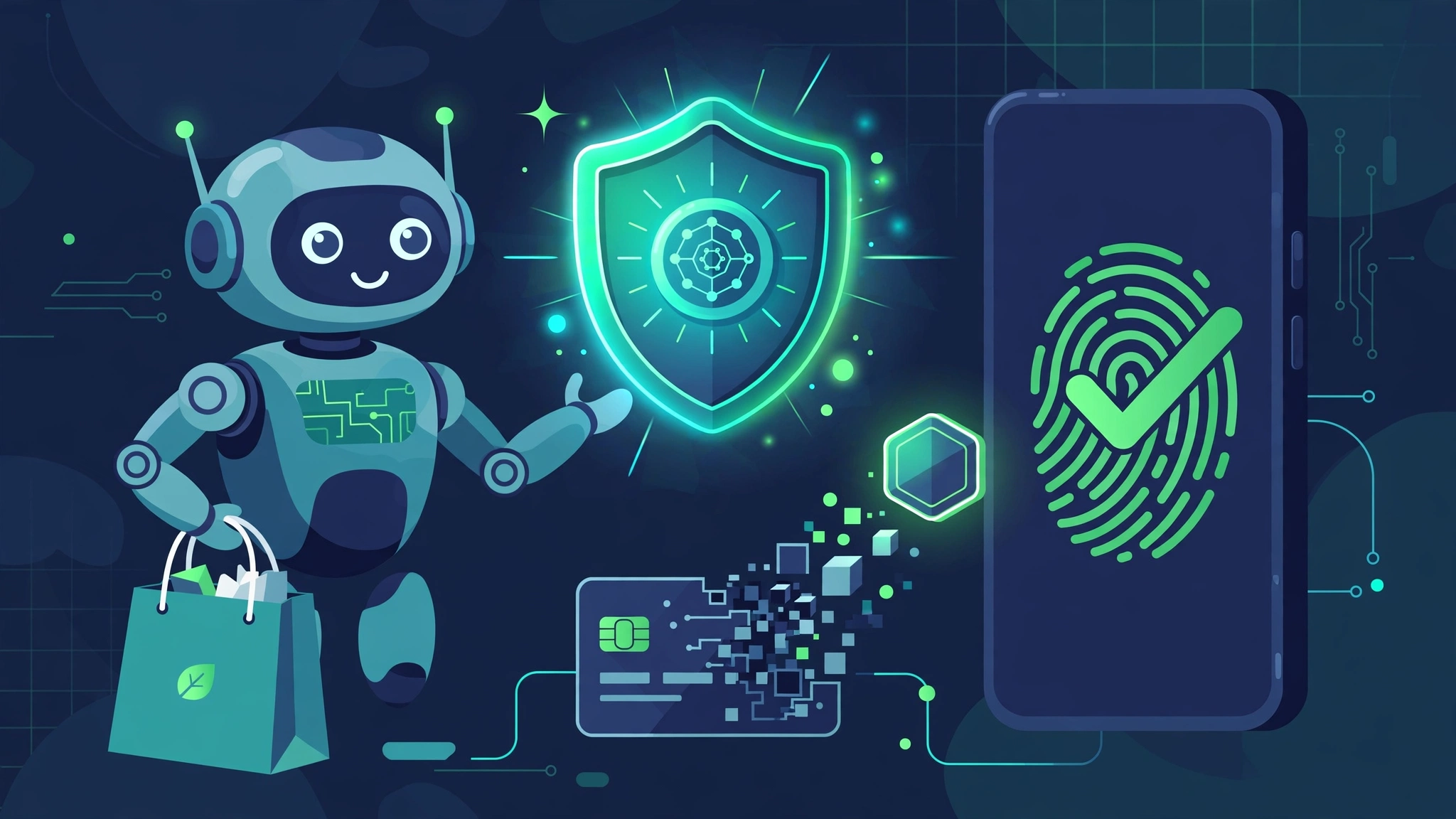
ChatGPT Wallet — An AI Agent That Pays for You
You ask an AI assistant to find running shoes: the right size, the right colour, under two million dong, delivered before the weekend. It finds the perfect pair — then checkout stops you cold: card number, OTP, address.
The agent can find the product but cannot pay for it — nobody hands a real card number to an AI program. On 13 November 2026, OpenAI announced ChatGPT Wallet: the agent pays without seeing the card number, every transaction is approved with biometrics, and merchants can verify the agent is legitimate. At launch, it works only in the US, only for ChatGPT Pro, and only inside dots.
What Is ChatGPT Wallet?
A wallet for AI agents, not for people
OpenAI calls Wallet the first wallet letting agents pay without access to users’ actual card details, with a security check for every purchase. The only channel at launch is dots (launched 29 September 2026); it does not work in Chat, Work or Codex.
Wallet is not a bank account: no balance, no credit. Money is still charged to the card you added, with its rewards and dispute protection.
What problem does Wallet solve?
- Card number leaks: Wallet replaces the real card number with a payment token, so neither agent nor merchant holds anything of lasting value.
- Merchants don’t trust agents: Web Bot Auth signs the agent’s requests so websites can verify their origin instead of blocking by User-Agent or IP.
- No approval standard: each transaction needs Face ID or a fingerprint, instead of approving once and letting the agent spend freely.
Who should care, and who can wait?
For developers building agents, DevOps/SRE teams running e-commerce sites, IT managers concerned about payment security, and shop owners preparing for agent commerce. Not usable yet: readers in Vietnam, Free/Plus users, and anyone without a US card.
Architecture and How It Works
The purchase flow, step by step
- The user adds a card once to Wallet (Pro in the US, 18+, an eligible US card).
- Dots finds the item and shows it, the total, and the card that will be used.
- The user approves with Face ID or a fingerprint — mandatory for every transaction. Biometrics only confirm that the owner approved, not that the item is what the user wanted.
- The payment network (Amex, Mastercard, Visa) issues a payment token in place of the real card number.
- The merchant and PSP receive the token and charge the chosen card — without ever seeing the real card number.
- The card’s rewards and dispute protection are preserved.
What is a payment token?
Tokenisation is not new — Apple Pay and Google Pay have used it for years: the merchant receives a substitute number that can be revoked without replacing the real card.
What is new is tying token issuance to the agent runtime and to one biometric approval per transaction. An agent that cannot be trusted to keep secrets can still spend without holding any secret.
Purchase flow diagram
flowchart LR
    A[User<br/>adds card] --> B[Dots<br/>finds item, shows order]
    B --> C[Approve with<br/>Face ID / fingerprint]
    C --> D[ChatGPT Wallet]
    D --> E[Payment network<br/>Amex / Visa / Mastercard]
    E --> F[Payment token]
    F --> G[Merchant + PSP]
    G --> H[Charge<br/>the card]
    E -.-> I[Fraud prevention<br/>Forter / Riskified /<br/>Sardine / Signifyd]
    I -.-> G
    B -.->|Web Bot Auth| G
The real card number enters Wallet only once; every transaction stops at biometric approval; the merchant only receives a token; two controls apply — the user’s approval and the Web Bot Auth signature.
Components of the system
ChatGPT and dots (the only channel); Wallet; the networks Amex/Mastercard/Visa; merchants and PSPs Adyen, Checkout.com, Stripe; fraud partners Forter, Riskified, Sardine, Signifyd; Web Bot Auth and the Commerce Partner Playbook.
Web Bot Auth and technical limits
Many websites block bots by default; OpenAI acknowledges some may accidentally block Wallet transactions. Web Bot Auth signs the agent’s requests so websites can verify their origin instead of blocking by User-Agent or IP.
Launch scope: dots only, Pro only, US only, eligible US cards only, users 18+. The official announcement gives no expansion timeline, merchant count or fee. CNBC reported OpenAI charges no fee at launch — press information, not in the official announcement. Full delegation is only a roadmap item “in the future”; today, every transaction needs manual approval.
Guide: Activation and Preparation
Requirements and purchase steps
- ChatGPT Pro in the US, 18+; an eligible US card (Amex, Mastercard, Visa). Debit cards are not supported; a Chase card must belong to the primary cardholder.
- A device with Face ID or a fingerprint, and access to dots in ChatGPT.
- Open dots, add a card to Wallet once, then request a purchase and ask dots to show the total and card to be used.
- Review the item, total, and card, approve with Face ID or a fingerprint, then check the charge confirmation and invoice. For recurring plans, the merchant may store the credential and charge again under the agreed terms — check carefully before approving the first order.
- If declined, recheck the card and try another merchant. Never enter your real card number for an agent or a merchant.
Common errors and fixes
| Symptom | Possible cause | Fix |
|---|---|---|
| Website blocks the agent purchase | CDN/firewall blocks bots | Use another merchant |
| Transaction declined despite a valid card | Fraud prevention or the issuing bank’s risk assessment | Check with the issuing bank |
| No Wallet or dots section visible | Region/plan/age eligibility not met | Recheck the requirements |
| Charged amount differs from the approved total | Extra fees/taxes | Compare with the invoice |
Checklist for website owners, DevOps and SRE
- Read the Commerce Partner Playbook at developers.openai.com/commerce and claim your business in ChatGPT.
- Configure your CDN/WAF/firewall to recognise signed requests via Web Bot Auth. Record the change for rollback.
- Check whether your PSP (Adyen, Checkout.com, Stripe) supports receiving payment tokens.
- Test on staging: signed agent requests pass, unsigned bot requests are blocked; log both separately.
- Prepare a dispute process: agent transactions still go through the card’s dispute mechanism.
Review: Pros, Cons and Security
Pros
- The real card number never reaches the agent or the merchant.
- Biometric approval for every transaction: no free-spending mode by default.
- Tokens can be revoked without replacing the card; rewards and dispute protection are preserved.
- Two-way authentication: the user by biometrics, the agent to the merchant by signature.
- Fraud prevention and major PSPs are involved from day one: Forter, Riskified, Sardine, Signifyd, Adyen, Checkout.com, Stripe.
Cons and limits
- Narrow scope at launch: US only, Pro only, dots only.
- Depends on merchants accepting it: United Airlines has banned third-party agents from buying tickets (secondary source: dev.to).
- The experience can break: fraud systems may decline legitimate transactions.
- No published figures for performance, latency, approval rates, or merchant numbers.
Security: how does the threat model change?
What is fixed: theft of the real card number from an agent or logs, an agent reusing the card, and card exposure when a merchant is breached.
What is not fixed: biometrics only confirm “the user pressed approve”, not “the item is what the user wanted”. Prompt injection, a fake merchant, or a swapped item can all make the user approve the wrong purchase. A compromised ChatGPT account also raises the risk.
Liability for a wrong purchase is an open question. Only add a card used for online purchases; turn on transaction notifications; check your statement after every transaction; remove the card immediately if you suspect anything.
Performance and scalability
No public data on latency, success rates or merchant numbers.
Comparison With Alternatives in the Same Space
Compared by: who holds the real card number, per-transaction approval, merchant integration, who can use it, and fees.
| Criteria | ChatGPT Wallet | Apple/Google Pay | Mastercard Agent Pay | Handing your card to an agent |
|---|---|---|---|---|
| Who holds the real card number | Payment network; agent and merchant only see a token | Payment network and device; merchant sees a token | Payment network; tokenisation via Mastercard | Agent or merchant holds the card number |
| Per-transaction approval | Mandatory, Face ID/fingerprint every purchase | Mandatory, biometrics every purchase | Details not yet published | No approval standard for agents |
| Channel | Dots only, Pro, US | Any app/web supporting the wallet | Merchants and partners in the Agent Pay programme (launched April 2025) | Any agent and website |
| Merchant integration | Playbook, Web Bot Auth, PSP | Mobile wallet support | Integration via the Agent Pay programme | No integration needed — which is also the risk |
| Fees | Not published (CNBC: 0%) | Per the issuing bank | Not published | No separate fee, high risk |
Context: on 12 November, Mastercard announced an end-to-end flight booking with Agent Pay (demo with Travelport, Booked AI and Basis Theory); Sierra Poppy 1.0 launched on 13 November. See also Gemini Decisions API.
In my view, Wallet does not win on coverage today but on its model of controlled delegation: tokens, per-transaction approval, agent signatures. Handing a card to an agent is the most convenient option and the riskiest.
Real-World Use Cases
- Businesses and e-commerce: shop owners follow the merchant checklist so they don’t lose agent orders. Distinguish “authorised agent” from “price-scraping bot” in logs and WAF rules.
- Developers building agents: learn the pattern “the agent holds no payment secret, only a token, and asks for approval each time”. Don’t let an agent store a real card number or payment API key in a prompt.
- DevOps, SRE and IT admins: review WAF and CDN rules — a bot-blocking rule may also block legitimate agents. For a homelab, there is nothing to self-host — this is a design lesson: separate secrets from the agent, issue short-lived tokens.
- End users, once Wallet expands beyond the US: dots books tickets, buys parts, and orders items within a budget you set; you only approve with Face ID. Suited to repeat purchases; not suited to urgent buys or negotiation.
Conclusion
Wallet fits e-commerce and DevOps teams preparing for agent commerce, developers who need a safe payment pattern, and IT managers who need a policy framework. It is not yet suited to users outside the US or without Pro, small merchants without a PSP that supports tokens, or anyone needing fully automatic purchasing.
Next steps: website owners should read the Playbook and check their WAF, CDN and PSP; developers should apply the token-plus-per-transaction-approval model; users should watch the expansion timeline before adding a real card.
Lessons learned
- Tokenisation isn’t new — what’s new is tying token issuance to the agent runtime and biometric approval per transaction.
- Payment security for agents is two-sided: hiding the real card number isn’t enough, merchants must also trust the agent.
- Merchants can block agents (United Airlines is one example) — agent commerce will fragment along each company’s policy.
- Biometrics confirm “the user approved”, not “the item is what they wanted” — prompt injection and fake merchants are still the main risks.
- Don’t judge Wallet by today’s narrow coverage but by the delegation model it sets for the industry.
Verification scope
Check date: 14/11/2026. Verified against OpenAI’s official announcement (13/11), Reuters (13/11) and the Help Center. The 0% launch fee is per CNBC. The United Airlines example is a secondary source (dev.to). Not tested hands-on — readers in Vietnam cannot use Wallet yet. No performance, approval-rate, or merchant figures exist. Full delegation is a roadmap item, not a current feature.
References
- OpenAI — Introducing ChatGPT Wallet (13/11/2026)
- Reuters — OpenAI launches ChatGPT Wallet, letting AI agents pay for purchases (13/11/2026)
- OpenAI Help Center — Making purchases with ChatGPT Wallet
- CNBC — OpenAI launches ChatGPT Wallet for purchases in dots (13/11/2026)
- OpenAI for Developers — Commerce Partner Playbook
Bình luận
Bình luận được duyệt trước khi hiển thị.Đang tải bình luận…
Để lại bình luận