The familiar pain: unfinished work when every AI agent lives in a single chat session
On a Friday afternoon, you reopen three chat windows from earlier in the week: Claude Code halfway through a feature, Codex partway through a bug fix, OpenCode holding notes for a document. None of them remembers what the others are doing. You repeat the context, paste the files again, and re-explain a decision settled on Tuesday — while the backlog still lives scattered across your head, draft files, and manual reminders.
The problem is not weak agents, but missing continuity: nobody holds the overall picture, there is no shared task list, and no recurring schedule carries work into the next day. What if the agents worked like a team with project memory, a shared to-do list, and a recurring schedule? Orkas is one answer to that question — an answer to be verified, not a promise to be taken on faith.
What Orkas is and what problem it solves
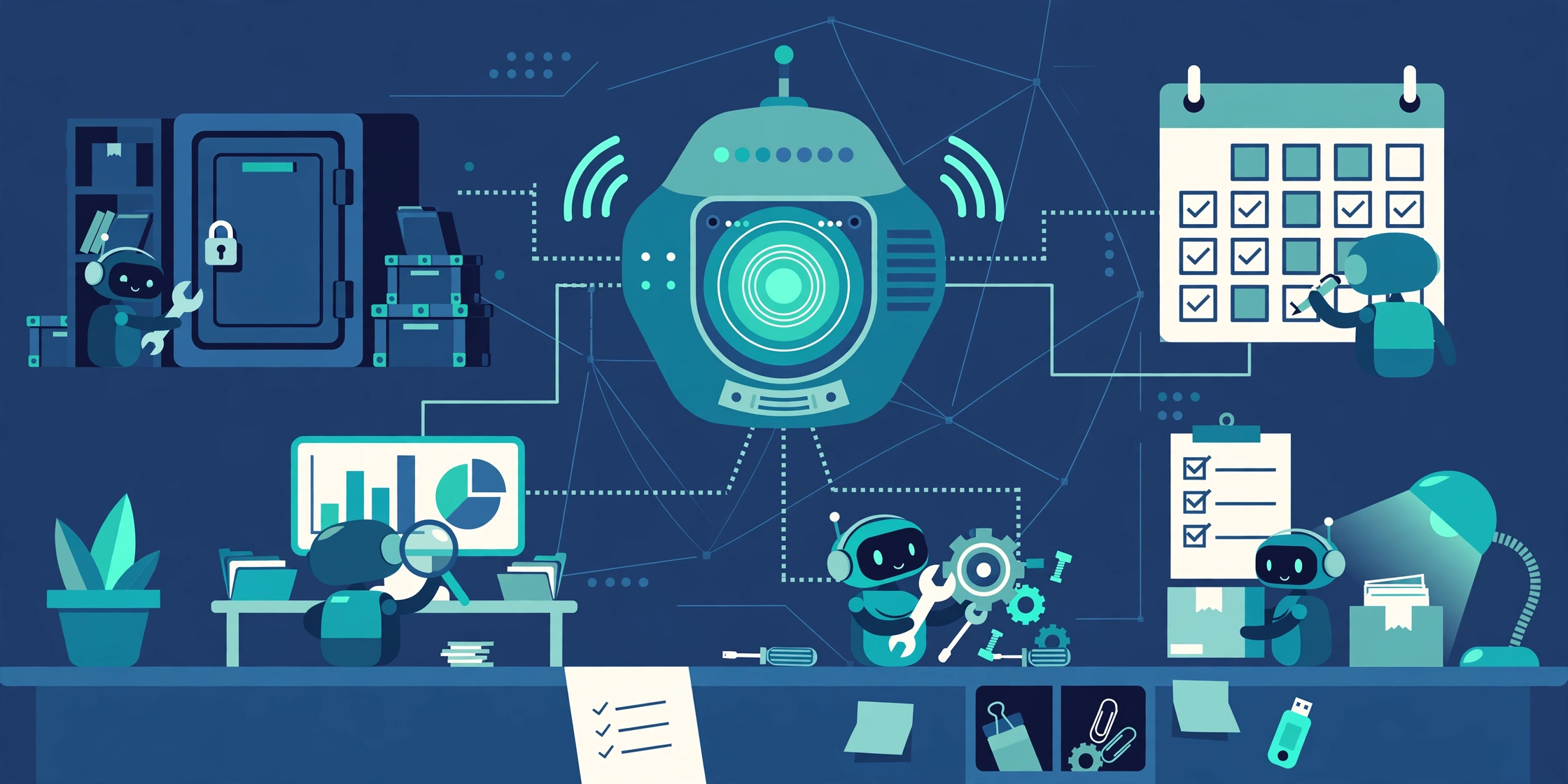
A Commander coordinating an agent team, not a single chatbot
Orkas is an open-source, MIT-licensed, local-first desktop application. Instead of answering one question and ending the session, it turns a goal into a task list, assigns work to agents, and keeps work going across days, returning a finished file for human review rather than unilaterally declaring work done. Source code is in Orkas-AI/Orkas; at the check date of 2026-11-05, the latest release was v2026.11.4 (2026-11-04), with about 9,023 stars and 517 forks — a snapshot that will change.
Continuity in multi-agent work
There are three ways to work with AI agents: a chatbot (ask, get an answer, end of session); an orchestration framework such as LangChain or CrewAI, where you write code to wire agents together; and — the route Orkas takes — a ready-made application where you state a goal in natural language and the app handles coordination, tracking, and continuation. Projects, task lists, and recurring schedules exist independently of any single chat session, so the next day the work is still there, in the right state, with the right files and context.
Who should use Orkas — and who need not rush
Orkas fits best people who already use Claude Code, Codex, or OpenCode and want multi-agent work in one place: DevOps/SRE engineers, backend and full-stack developers, and homelab self-hosters. Someone needing only a quick one-off answer does not need it, nor does someone needing agents running 24/7 in the cloud when their personal machine is off.
Orkas architecture: Commander, 16 specialists, and external CLI agents
Commander plans, delegates, and combines results
The Commander is the central coordinating agent: it receives a goal, plans, breaks it into tasks, assigns specialist work to the right agent, handles general work itself, and combines results into a finished file. Delegation mechanisms are named in the documentation as dispatch_to, hand_off_to, and run_worker. This section was checked against documentation, not tested hands-on, so read it as design description, not measured results.
16 built-in specialist agents and a 30+ agent marketplace
The 16 agents fall into four groups: research (DeepResearcher, SeoGeoAgent, StockAnalyser); content and media (ContentWriter, PptMaker, ImageStudio, VideoStudio, VoiceStudio); building and office work (UIDesigner, ProductDeveloper, OfficeWorker); and e-commerce (5 ECommerce agents). A marketplace offers more than 30 agents, and the Commander can create a custom agent from a role description. Note: VoiceStudio here is Orkas’s internal agent, not the tool in this blog’s earlier article about VoiceStudio running locally with ElevenLabs.
External CLI agents running as local sessions
Orkas does not replace the coding agents you already know. It runs Claude Code, Codex, OpenCode, OpenClaw, and Hermes-Agent as local sessions — subprocesses on your own machine — and uses them as team members; other open-source tools, for example HyperFrames, plug in the same way. Each external agent therefore keeps its own model settings, keys, and tool permissions, which Orkas does not automatically unify into a single policy.
Projects, to-dos, Auto-advance, and scheduled automation
Projects hold the goal, rules, memory, and files shared by every conversation in that project. To-dos split work between people and agents, showing what is waiting, in progress, or done. Auto-advance lets the team pick up the next task when the previous one finishes. Automation runs hourly, daily, weekly, or monthly for recurring work. From version 1.9, each automation catches up its most recent missed run within 12 hours when the computer wakes or Orkas starts — the system’s availability boundary, not a cloud schedule.
The local-first data layer and the model layer: two layers to keep apart
This is, in my view, the point most easily misunderstood about Orkas. The storage layer really is local-first: conversations, files, knowledge bases, and custom agents stay on disk by default; provider keys are encrypted locally and excluded from cloud sync. The Library feature uses a local SQLite vector index, on-machine embeddings, and answers with citations to source passages so they can be rechecked.
The model layer has three routes: the built-in Orkas model through Orkas’s managed model service; your own keys — Claude, OpenAI, Gemini, DeepSeek, Kimi, GLM, Qwen, MiniMax, Doubao — calling the provider directly from your machine; and a local OpenAI-compatible endpoint, for example Ollama or LM Studio. So local-first describes where data is stored and the default configuration, not a guarantee that every model call stays on your machine. Only the local-endpoint route truly never leaves the machine.
The single diagram: from goal to finished file via Commander
flowchart TD
    A["Goal"] --> B["Commander: plan, delegate, combine"]
    B --> C["16 specialist agents"]
    B --> D["External CLI agents, separate subprocesses: Claude Code, Codex, OpenCode, OpenClaw, Hermes-Agent"]
    C --> E["Result files"]
    D --> E
    E --> F["Human review: mandatory before done"]
    G["Foundation: Projects + to-dos + Auto-advance + hourly, daily, weekly, monthly automation - 12-hour catch-up"]
    H["Storage: local disk, Library SQLite, locally encrypted keys"]
    I["Models: built-in Orkas; own keys; local OpenAI endpoint"]
    B -.-> G
    B -.-> H
    B -.-> I
Technical limits, stated plainly
The machine must be awake for Auto-advance and automation; when it is off, nothing runs for you in the cloud. Shared projects, cloud sync, and web-app publishing exist only in the packaged build, not yet in the open-source build. A published web app requires a paid plan — Lite 5 apps, Pro 8 apps, Max 15 apps — and does not include every in-app feature. And Orkas itself is not a model.
Installing Orkas
Prerequisites
The packaged build supports macOS 12 and later (Apple Silicon and Intel) and Windows 10 and later. Running from source is currently the way to run on Linux, supporting macOS, Windows 10 and later, and Linux with glibc 2.34 and later on x64 and arm64; Alpine/musl-based distributions are not supported. The source build needs Node 22.12 and later — the documentation notes Node 24 LTS for native-dependency errors — plus Python 3 and a C/C++ toolchain for rare native-module source builds.
Packaged build and running from source
The packaged build, recommended for most readers: download the installer from https://orkas.ai/download/, which detects your operating system and starts the matching installer. No API key is needed to start: the packaged build includes 500 credits for the built-in Orkas model, but account sign-in is required. This is an offer stated in the project’s documentation, not verified with a real account.
The source build, with commands checked against the documentation and unaltered:
git clone https://github.com/Orkas-AI/Orkas.git
cd Orkas
./run.sh
On Windows, replace ./run.sh with run.cmd. Then go to Settings → AI Providers to add a key or local endpoint. The local-model path is Account settings → Models → Chat → Add model → Custom, choosing the OpenAI- or Anthropic-compatible standard and filling in the base URL, exact model ID, and API key. The source build has no account layer and boots straight into the app.
First run and verification commands
The first run creates a workspace at ~/.orkas/ on macOS and Linux, or on the smallest non-system drive as :\.orkas\ on Windows, preparing a pinned Python, uv, Node, an embedding model of about 95 MB, OfficeCLI, FFmpeg, whisper.cpp, and a multilingual speech model; a long first download is normal. The read-only check command is npm run native:check; the repair command for native errors is npm run native:repair. Expected outcome: the app opens, you reach Settings → AI Providers, and add a key or endpoint. External CLI agents must already work on their own before assignment through Orkas.
Common errors and fixes
| Error | Cause | Fix |
|---|---|---|
| Alpine/musl not supported | Requires glibc 2.34+ | Switch to a glibc-based distribution |
| Native dependency error | Node too old | Upgrade to Node 22.12+, try Node 24 LTS, then run npm run native:repair |
| Very slow first download | Embedding and speech models downloading | Wait for completion; check network and free disk space |
| Automation not running | Machine asleep or off | Design limit: keep the machine awake |
| Shared projects, cloud sync missing in source build | By design | Use the packaged build if you need these features |
| External CLI agent key/permission error | Fault in that agent itself | Fix it in that agent, not in Orkas |
Technical assessment of Orkas
Evidence-backed strengths
Orkas provides a ready-made coordination layer, so users need not write orchestration code. Continuity through Projects, to-dos, Auto-advance, and recurring schedules addresses exactly the opening pain: work does not lose context when a chat session closes. Users keep the CLI agents they already know, local storage and a cited Library help verify sources instead of trusting blindly, and the MIT licence plus a 2026-11-04 release show an actively maintained project.
Weaknesses and caveats
Dependence on a single machine that must stay awake is the biggest weakness. Cost and latency accumulate when many agents call models at once — every team member consumes its own calls. The human-review bottleneck limits scaling: the more work completed, the more files wait for review. The packaged and source builds differ in features, which can surprise anyone switching between them, and free credits are only a starting point, not a long-term operating cost. There are no performance figures here, because there is no measurement data; the numbers are configuration only: 16 agents, more than 30 marketplace agents, 500 credits, an embedding model of about 95 MB, a 12-hour catch-up window, and app limits of Lite 5, Pro 8, Max 15.
Security: ask before sending, posting, deleting — and the boundary of that promise
By default, Orkas asks before sending, posting, or deleting anything — a good default, but with a boundary. Because external CLI agents keep their own tool permissions, a command to send mail, post, or delete a file executed by Claude Code or Codex follows that agent’s own permissions, not Orkas’s ask-first policy. Before assigning sensitive work, review each external agent’s permissions and isolate sensitive tasks to a locked-down agent.
Connectors are the same story: Gmail, Google Calendar, Sheets and Drive, Notion, Slack, Shopify, Stripe, and many more — each a separate permission surface. Enable them only for real needs and revoke them when unused. Locally encrypted keys excluded from cloud sync are a strength, but they need a planned backup and rotation routine, because losing a key means reconfiguring it.
Operations, backup, and scalability
Backup means backing up the workspace folder and project files, plus a separate plan for restoring keys, since keys do not travel with cloud sync. Before uninstalling Orkas, keep a copy of the ~/.orkas folder (or .orkas on Windows) and project files. Uninstalling Orkas neither uninstalls external CLI agents nor revokes provider keys — to withdraw fully, revoke keys and remove external agents separately. Parallel jobs on one machine are bounded by CPU, RAM, network, and provider limits converging there, with no high availability or 24/7 operation; machine-independent schedules need a cloud solution or an always-on server.
Orkas vs alternatives in the same space
| Criterion | Orkas | Claude Code / Codex | Cowork / Manus | LangChain / CrewAI |
|---|---|---|---|---|
| Coordination | Desktop app with Commander | Single coding tool | Always-on cloud agent | Framework you code yourself |
| Continuity, recurring schedules | Projects, to-dos, automation | Per-tool session | Cloud, independent of machine | Build and maintain yourself |
| Data, models | Local; three model routes | Per-tool configuration | Via provider cloud | Your choice, your responsibility |
| Cost, licence | MIT; 500 starter credits | Per provider plan | Per cloud plan | Open source, own infrastructure |
| Platforms | macOS, Windows; Linux from source | Per tool | Cloud, via browser | Per deployment |
| Setup | Install app, add key/endpoint | Install each tool separately | Cloud account sign-up | Write code, deploy |
The project’s comparison claims are the developer’s framing, not an independently measured conclusion. Claude Code and Codex are not either-or rivals — Orkas uses them as team members. Claude Cowork and Manus are operational opposites: always-on cloud versus local-first with a machine that must stay awake. LangChain and CrewAI are the opposite approach: coding orchestration yourself versus using a ready-made app.
Related articles on this blog: OpenBot, a self-hosted AI coworker, Claude-mem and cross-session memory for AI agents (memory across sessions versus Orkas’s project memory), and CC Switch and switching providers for AI coding agents.
Real-world use cases
Software development teams. The Commander assigns code to Claude Code or Codex, documents and slides to ContentWriter or PptMaker, returns files for review, and to-dos carry work across days. DevOps and SRE. Scheduled automation compiles periodic reports and reviews weekly backlogs — only when the machine running Orkas stays on. In my view, Orkas should not replace cron or a cloud scheduler for critical systems: the catch-up window is only 12 hours and a powered-off machine stops the schedule. Homelab and self-hosters. Use a local Ollama or LM Studio endpoint for sensitive work, your own keys for stronger models, and keep project data on your own disk. IT administration and small business. Research, drafting, and Library-cited synthesis are reasonable; processes needing full audit trails, 24/7 operation, or team project sharing are not yet advisable on the source build. Cases where Orkas should not be used. One-off Q&A; agents needed while the machine is off; team collaboration with immediate cloud sync; or unreadiness to manage keys and permissions for each external CLI agent.
Conclusion
Orkas fits best people who already use coding agents and want a local-first coordination layer with project memory and recurring schedules on their own machine. It does not fit people needing 24/7 cloud agents, team collaboration with immediate sync, or measured performance — this article has no data to assert those. Next step: on macOS or Windows, download the packaged build; on glibc Linux, run from source. Add one key or local endpoint, assign a small project with to-dos and one scheduled automation, and verify continuity over a few days before putting real work into it.
Lessons learned
- Local-first is strongest at storage; the model-call route depends on your choice — do not conflate the two when judging privacy.
- The Commander’s value is continuity through Projects, to-dos, and recurring schedules, not replacing good coding agents — Orkas uses them as members, not replacements.
- External agents bring their own permissions — check each one before assigning sensitive work, because Orkas’s ask-first policy stops at the subprocess boundary.
- Automation schedules are only as reliable as machine uptime and the 12-hour catch-up window — work missed beyond it will not run later.
- The packaged and source builds are not feature-equivalent — choose by your need for shared projects, cloud sync, and web-app publishing, not by installation habit.
Verification scope
Check date: 2026-11-05. Checked against official Orkas-AI/Orkas documentation and GitHub API: name, MIT licence, v2026.11.4, system requirements, installation commands, agent and connector lists. Behaviours are documentation defaults, except shared projects, cloud sync, and web-app publishing exist only in the packaged build, and the 12-hour catch-up window is a conditional limit. Numbers are configuration, not benchmarks. Not verified by installing, running, or measuring performance; comparisons are the developer’s framing; star counts should be rechecked at publication time.
References
- Official Orkas source code and documentation: https://github.com/Orkas-AI/Orkas
- Homepage and packaged download: https://orkas.ai and https://orkas.ai/download/
- Releases, including v2026.11.4 dated 2026-11-04: https://github.com/Orkas-AI/Orkas/releases
Bình luận
Bình luận được duyệt trước khi hiển thị.Đang tải bình luận…
Để lại bình luận