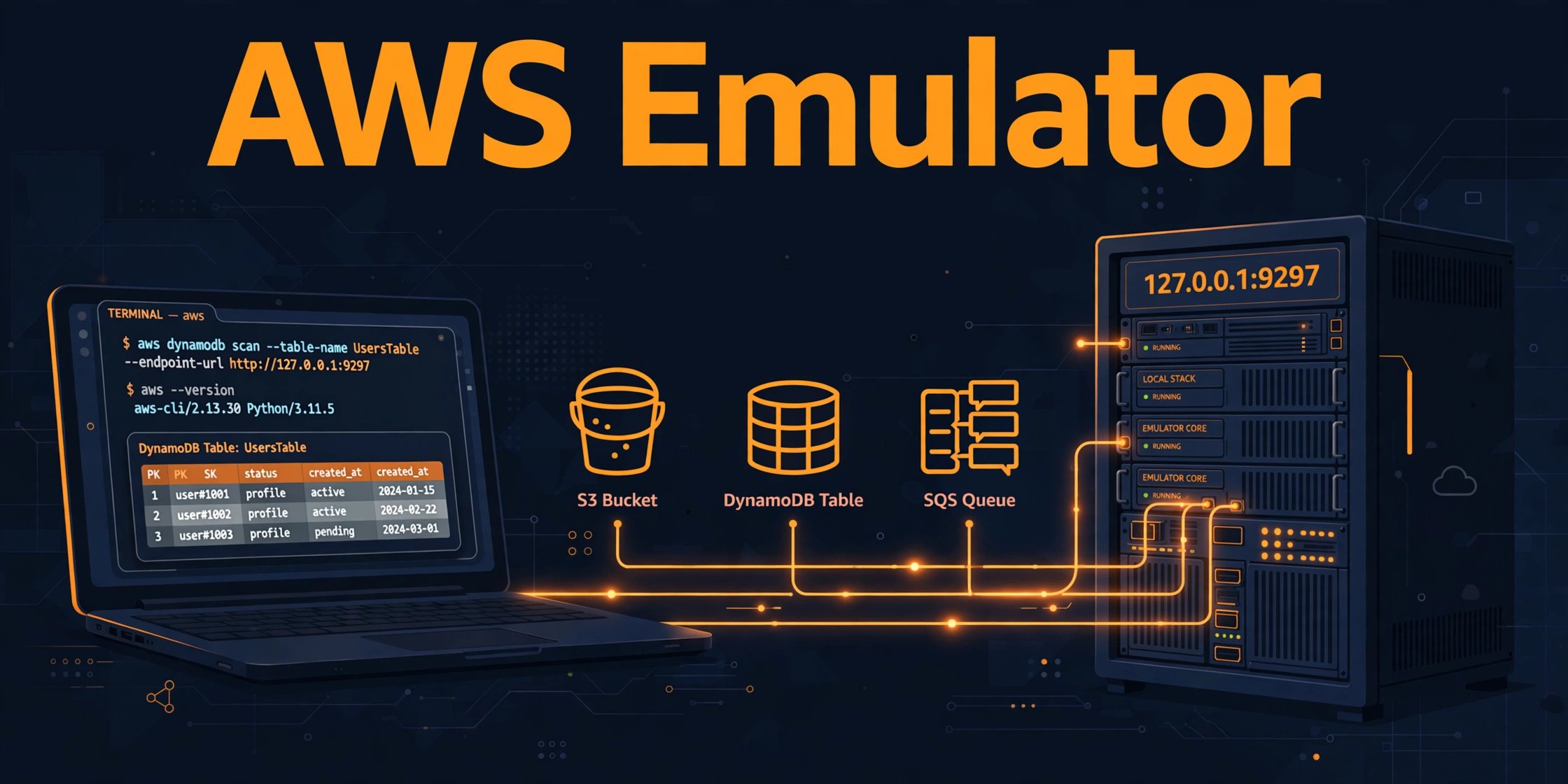
AWS Emulator: Test AWS Code Locally, No Account Needed
The problem: mocks lie, real deploys are slow
You write code that reads a file from S3, writes metadata to DynamoDB, and pushes a message to SQS. Testing locally means mocking all three services — and a mock only returns what you coded into it, so a green test proves nothing about real behavior. Deploying to a dev environment on real AWS means waiting for the pipeline, and one line that deletes a shared DynamoDB table stops the whole team — plus every test costs real money.
Coding agents make this worse: one loop of writing, testing, fixing, and retesting can need dozens of AWS calls. AWS released AWS Emulator on 11/11/2026 for exactly this case: an emulator on your machine that speaks the real AWS APIs over local HTTPS, with no AWS account and no service fees.
What is AWS Emulator?
AWS Emulator is a local emulator for AWS APIs, released by AWS itself. The repo is aws/aws-emulator on GitHub, written in Rust, licensed CC0 1.0 (vendor/ Apache 2.0). The launch release was v1.0.322 (11/11/2026); by the check date (13/11/2026) the repo was already at v1.0.342, with about 6,100 stars and 228 forks.
Usage is simple: install the emulator, run it, and point your CLI, SDK, or coding agent at the local endpoint — your code does not change. A unit test that creates a DynamoDB table, writes an item, and reads it back runs exactly as before, except on your machine. The emulator supports the APIs of services that have an API model in AWS’s public API models repository — the same models the SDKs use — so requests and errors have the same shape as on real AWS, and each service is its own crate in the repo workspace, driven by its Smithy model.
Architecture: one endpoint, one crate per service
flowchart LR
    A[AWS CLI / SDK / Coding agent] -->|HTTPS + SigV4| B[AWS Emulator\n127.0.0.1:9297]
    B --> C[Router]
    C --> D[S3]
    C --> E[DynamoDB]
    C --> F[SQS]
    D --> G[In-memory state]
    E --> G
    F --> G
The flow: the client sends a standard AWS request, signed with SigV4, to https://127.0.0.1:9297. The router mounts every service on one endpoint and dispatches requests to each service’s crate, which keeps state in memory. There is no graphical interface — it runs in the background and logs JSON lines.
On startup, the emulator generates its own credentials, config, and certificate in ~/.aws/emulator/9297/. Access key IDs start with EMULATOR, and the emulator rejects requests signed with any other keys. Each emulator acts as a single account, 000000000000, with no cross-account or cross-Region behavior; /__admin/health lets scripts or CI wait until it is ready.
Install and first run
On Linux, install the RPM or Debian package:
PKG=https://downloads.aws.com/aws-emulator/packages/aws-emulator/LTS/latest
sudo dnf install -y $PKG/aws-emulator-x86_64.rpm
On macOS and Windows, run the emulator in Docker by building an image from the short Dockerfile in the docs — AWS publishes no ready-made image.
Start the emulator:
aws-emulatorBy default it serves HTTPS at 127.0.0.1:9297, reachable only from your own machine. Then point the AWS CLI at the local endpoint, and remove any variables that could supply real credentials:
export AWS_ENDPOINT_URL=https://127.0.0.1:9297
export AWS_SHARED_CREDENTIALS_FILE=~/.aws/emulator/9297/emulator_credentials
export AWS_CONFIG_FILE=~/.aws/emulator/9297/config
export AWS_EC2_METADATA_DISABLED=true
export AWS_DISABLE_HOST_PREFIX_INJECTION=true
export AWS_REGION=us-east-1
export AWS_DEFAULT_REGION=us-east-1
unset AWS_ACCESS_KEY_ID AWS_SECRET_ACCESS_KEY AWS_SESSION_TOKEN AWS_PROFILE
Check that your shell is talking to the emulator:
curl --cacert ~/.aws/emulator/9297/ca.pem https://127.0.0.1:9297/__admin/healthaws s3 mb s3://local-getting-started
echo "hello from the emulator" > hello.txt
aws s3 cp hello.txt s3://local-getting-started/
aws s3 ls s3://local-getting-started/For coding agents: install the aws-emulator skill and ask your agent to set the emulator up (requires AWS CLI 2.35.0+):
aws agent-toolkit add-skill --skill-name aws-emulator --region us-east-1In my view, the agent loop is where this pays off most: the agent creates a table, puts an item, gets it back, checks the result, and fixes the code — all local, no deploy, no waiting. Remember the agent is testing against the emulator, not real AWS; the final check still has to happen on real AWS (see limits). If you want agents running in the cloud instead, see running Claude Code remotely on AWS Bedrock AgentCore.
Embedded mode: run the emulator inside Rust tests
Besides server mode, AWS Emulator has an embedded mode for Rust tests: instantiate the emulator inside the test process and wire its HTTP client into the SDK. Each instance keeps its own state, so tests do not share buckets, tables, or queues, and you can run them in parallel. This mode is currently only for the AWS SDK for Rust, via the aws-emulator-embedded crate in [dev-dependencies].
Example — create a table, write an item, read it back:
use aws_emulator_embedded::{AwsEmulatorEmbedded, EmbeddedOptions};
use aws_sdk_dynamodb::types::{AttributeDefinition, AttributeValue, BillingMode, KeySchemaElement, KeyType, ScalarAttributeType};

#[tokio::test]
async fn put_then_get_returns_the_item() {
    let emulator = AwsEmulatorEmbedded::new(EmbeddedOptions::default());
    let config = aws_config::defaults(aws_config::BehaviorVersion::latest())
        .http_client(emulator.http_client())
        .region(aws_config::Region::new("us-east-1"))
        .credentials_provider(emulator.aws_credentials_provider())
        .load()
        .await;

    let ddb = aws_sdk_dynamodb::Client::new(&config);
    ddb.create_table().table_name("emulator-demo-table")
        .attribute_definitions(AttributeDefinition::builder().attribute_name("id").attribute_type(ScalarAttributeType::S).build().unwrap())
        .key_schema(KeySchemaElement::builder().attribute_name("id").key_type(KeyType::Hash).build().unwrap())
        .billing_mode(BillingMode::PayPerRequest).send().await.unwrap();
    ddb.put_item().table_name("emulator-demo-table")
        .item("id", AttributeValue::S("item-1".into()))
        .item("msg", AttributeValue::S("hi".into())).send().await.unwrap();
    let got = ddb.get_item()
        .table_name("emulator-demo-table")
        .key("id", AttributeValue::S("item-1".into()))
        .send().await.unwrap();
    assert_eq!(got.item().unwrap().get("msg").unwrap().as_s().unwrap(), "hi");
}
Note: embedded mode compiles the emulator into your test binary, so the first cargo test is as heavy as a build from source. Share one CARGO_TARGET_DIR, cache target/ in CI, and pin the emulator to a release commit.
Fidelity: measured by tests, published per release
An emulator is only useful if a test that passes against it would also pass against AWS. AWS measures this with fidelity tests: short programs that use an SDK to run a workflow — for example storing, reading, and deleting an object — and assert how AWS behaves. Each test is verified against real AWS, and it passes only if the emulator matches AWS on every call: status code, body, exact error code and message, and resources created.
With each release, AWS publishes how many fidelity tests pass for each service, as k of n — for example, 40 of 50. The suite is public in the aws-emulator-evaluation-suite repo, including failing tests. Read a fidelity score as a snapshot of an improving product: new tests can push a score down even while the emulator gets better.
If the emulator does not implement an operation yet, it returns HTTP 501, so your test fails right away instead of failing silently. Gaps are tracked in the repo’s issues/ directory: not-yet-working APIs live under issues/things-that-do-not-work/, fixed ones move to issues/things-that-now-work/. The repo takes no PRs; report bugs via GitHub Issues with the service, operation, SDK version, and request details.
Using it in CI
In CI, follow the same pattern: start the emulator, set the same environment variables in the test script, wait for /__admin/health, then run the test suite as usual. Since no AWS account is needed, every pull request can run integration tests without requesting credentials. Keep real credentials out of the test job — unset AWS_ACCESS_KEY_ID, AWS_SECRET_ACCESS_KEY, AWS_SESSION_TOKEN, and AWS_PROFILE as above.
Limits you must know before using it
AWS Emulator is for building and testing only — do not use it for production workloads or to test whether your application is secure. The emulator does not evaluate IAM policies and resource-based policies the way AWS does, so a request that real AWS would deny may still succeed locally. This is the most important limit: a green test does not mean your permissions are correct. Test your security settings and your whole application on AWS before production.
How closely it matches AWS varies by service — check the fidelity score of the exact service you use. Unsupported operations return 501, so tests fail loudly instead of silently wrong.
Telemetry is on by default: the emulator sends anonymous, strictly minimized usage and error data to AWS — no request/response content, code, credentials, or personal data. Turn it off with aws-emulator --telemetry off, export EMULATOR_TELEMETRY=off, or [telemetry] enabled = false in ~/.aws/emulator/config.toml.
Notably, all of the emulator’s code was written by AI agents, from AWS API models, running on Bedrock AgentCore Runtime Instances, CodePipeline, and CodeCommit, with an independent security agent reviewing changes adversarially before release. In my view, this is a rare case of a major vendor publicly running its whole development pipeline on agents — and one more reason to read the published fidelity limits instead of trusting the AWS logo blindly.
AWS Emulator vs Floci: which one?
This blog already covered Floci, a free local AWS emulator — an open-source AWS emulator written in Java, MIT licensed, LocalStack-compatible, serving every client through one endpoint, http://localhost:4566. The two solve the same problem from different places: Floci is a community project that directly replaces LocalStack Community (same port 4566, same SDK and credential setup, LocalStack init scripts and health endpoints still work), while AWS Emulator is AWS’s official product, driven by Smithy models, serving HTTPS at 127.0.0.1:9297, requiring SigV4, with its own EMULATOR keys, a single account, and fidelity scores per release.
My take: if your team already runs LocalStack Community and wants a light, free, drop-in replacement over Docker Compose, Floci is the better fit. If you work deeply with AWS SDKs, need request/response shapes and error codes that match real AWS, or want agents testing fast loops locally, AWS Emulator fits better — provided you accept the limits above and check the fidelity of the exact service you use. The two are not mutually exclusive: use an emulator for fast loops, then verify on real AWS.
Note: AWS does not mention LocalStack in the emulator’s official documentation, so this article does not compare with LocalStack as a verified claim — it only contrasts AWS Emulator with Floci.
Pros and cons
| Criteria | Pros | Cons |
|---|---|---|
| Cost | No account, no fees | You pay on real AWS |
| Loop speed | Local tests | First source build is heavy |
| API fidelity | Smithy models; fidelity per release | No IAM evaluation; missing ops 501 |
| Setup | Linux RPM/Debian; macOS/Windows Docker | No ready-made image; embedded only Rust |
| Operations | Own keys | Single account |
| Security | Local only | Telemetry on by default |
Lessons learned
- A green mock test proves nothing about real behavior — an emulator matching API shapes bridges mocks and real deploys.
- A test passing on the emulator does not mean your permissions are right: the emulator does not evaluate IAM, so security checks always happen on real AWS.
- Read the fidelity score of the exact service you use before relying on the emulator; scores are snapshots per release.
- An unsupported operation returning 501 is a feature, not a bug — failing loudly beats failing silently.
- Turn telemetry off at setup if your team has a data policy, always unset real credentials in test jobs, and remember the emulator was fully written by agents.
Verification scope
Checked on 13/11/2026 against the official AWS blog (“Test your applications against AWS locally with AWS Emulator”, updated 12/11/2026), the README and releases of the aws/aws-emulator repo: GA date 11/11/2026 (v1.0.322), latest release v1.0.342, about 6,100 stars and 228 forks, CC0 1.0 license (vendor/ Apache 2.0), endpoint 127.0.0.1:9297, install commands, embedded mode, fidelity measurement, IAM/account/501 limits, telemetry opt-out, and the agent-built pipeline. The 400+ models and 200+ services figures do not appear in the official sources read, so this article does not use them; the 56.6% fidelity figure and 6,545 gap files come only from secondary sources. This article did not run the emulator by hand — all commands and examples come from AWS’s official documentation and were not executed here; building from source and macOS/Windows Docker behavior were not directly verified.
Bình luận
Bình luận được duyệt trước khi hiển thị.Đang tải bình luận…
Để lại bình luận