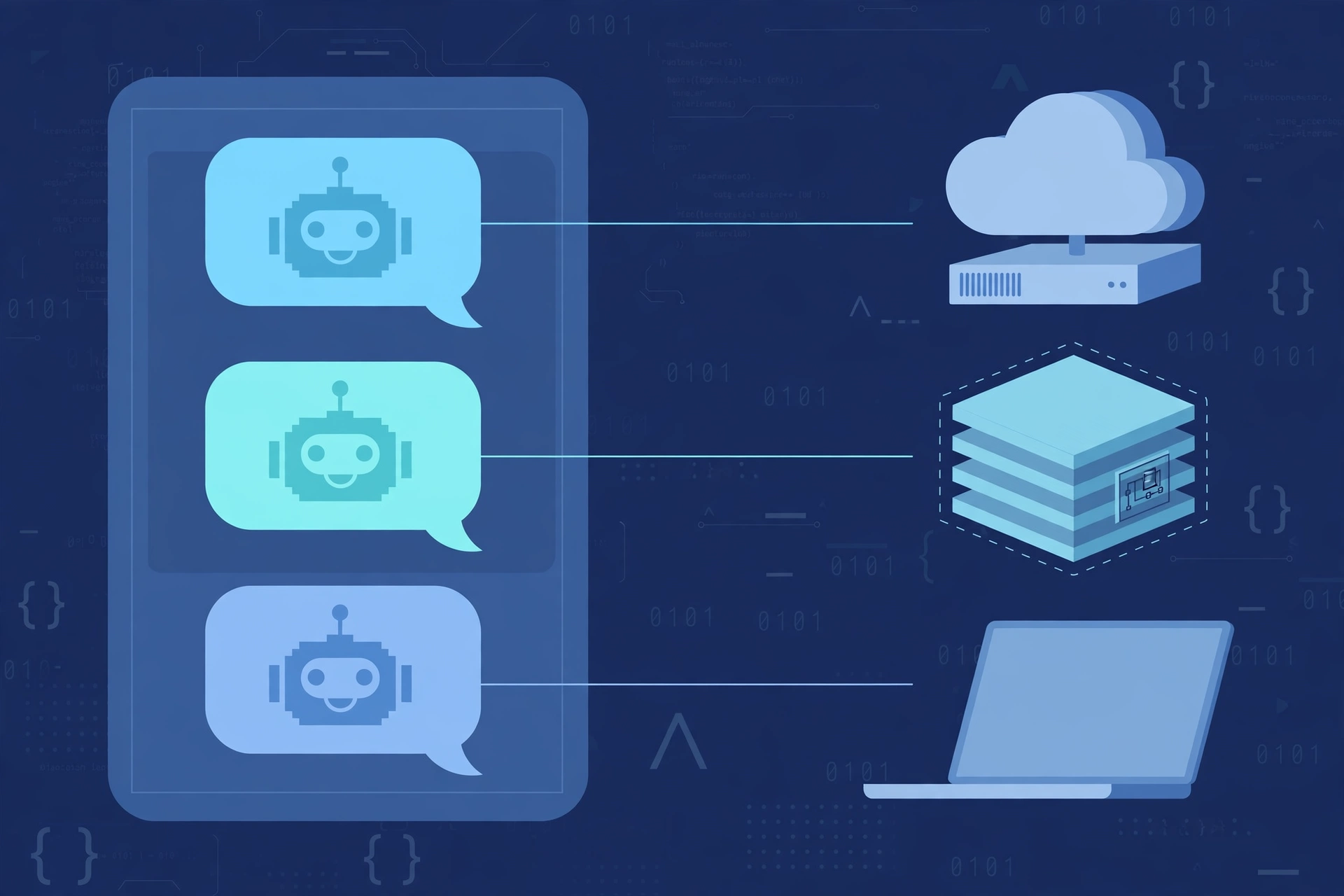
OpenMausBot — Open-Source Grok Bot: A Team of AI Bots in One Chat App, Each With Its Own Computer
Last week, a colleague sent me a Grok Bot demo: one message, and the bot opens a computer, runs commands, edits files, and reports back. I already pay for Claude and have signed in to Codex — yet to get that I would have to buy another closed subscription, run on the vendor’s cloud, and use exactly one model, Grok.
If you are in the same spot — you already have an AI coding agent subscription and only lack a chat app to turn those agents into a team that does real work — OpenMausBot is worth a look. It is not a new model or another chatbot, but a thin orchestration layer: a chat app on top, the Claude, Codex, or grok CLI you already have underneath.
What Is OpenMausBot?
OpenMausBot (repo milind-soni/OpenMausBot, formerly OpenGrokBot) describes itself as the open-source version of Grok Bot, with a virtual machine the bot can use. Launched 2026-08-11, core under Apache-2.0; at verification time on 2026-11-06: 14,371 stars, 1,981 forks, v0.1.143 released the same day, with releases almost daily. It has no affiliation with xAI, Meta, OpenAI, or Manus.
The experience feels more like messaging on Telegram than typing in a terminal: a bot is a contact in the chat app, you send a request, and when needed it runs shell commands, edits files, and works on a computer on its own, then reports back.
It solves three problems: reusing a Claude Code, Codex, or grok CLI subscription instead of buying another closed agent plan; doing real work, because each bot gets a computer; and local-first operation, with transcripts, keys, and events in ~/.openmausbot and the harness on 127.0.0.1.
It fits sysadmins, DevOps, SREs, developers, and homelab self-hosters already using an AI coding agent through a CLI — not people who need a stable product, only a single chatbot, or who do not want a bot touching their machine.
Architecture and How It Works
OpenMausBot does not host a model. Reasoning runs inside the claude, codex, or grok CLI you have installed and signed in to; the harness only orchestrates — receiving messages, choosing an engine, passing the request to the CLI, receiving the streamed reply, and stopping at an approval gate before any side effect. Capability and cost are therefore inherited wholesale from the CLI you choose; if the CLI breaks its login or changes policy, the bot stops with it.
Stack: TypeScript strict, React 19, Electron, Cua Driver, ElevenLabs, and Fish Audio. The harness is a small server on 127.0.0.1 — port 8799 in development, port 5199 in the app.
Architecture Flow
flowchart TD
    A["User — Electron chat app, React 19"] --> B["Local harness server 127.0.0.1 — orchestration"]
    B --> C["Engine router — CLI claude / codex / grok"]
    C --> D["Permission broker — Allow / Deny approval card"]
    D --> E["The bot's computer"]
    E --> E1["Boat — cloud Linux desktop"]
    E --> E2["Local VM, isolated"]
    E --> E3["Host control — macOS / Ubuntu Xorg, opt-in"]
    B --> F["Triggers — schedule, webhook 127.0.0.1:8800, app events"]
    B --> G["Composio — 500+ apps, optional key"]
    B --> H["Local data store ~/.openmausbot"]
    E --> I["Result returned to chat — streamed reply"]
A message enters the harness, passes to the chosen CLI, and the CLI streams the answer back. When a task needs a side effect, the flow stops at the permission broker: an approval card appears inline in the chat, and only after you click Allow does the command touch the bot’s computer. Data stays in ~/.openmausbot.
The three computer modes are three different trust boundaries, not three equivalent options. Boat is a cloud Linux desktop — good isolation, paid after a trial. Local VM is isolated on your own machine — good isolation, costs resources. Host control lets the bot drive the host machine directly — most convenient, highest risk, strictly opt-in. On Ubuntu Wayland, host control is disabled by a safety gate (issue #345); only Xorg is allowed.
Composio opens up 500+ apps (Gmail, Slack, GitHub, Notion), but the key is optional. Triggers include schedules (one-off, by weekday, repeating every 5–1,440 minutes), webhooks via a local receiver at 127.0.0.1:8800, and app events. Teams import a whole team of bots from a single Markdown file (connections off until approved, routines paused). The headless CLI turns a bot team into configuration-as-code: team apply deploys a team, run executes a task and returns JSON and an exit code for scripts or CI.
Verified limits: Ubuntu is still beta, hosted and mobile connectivity are under construction, and webhooks have only a local receiver. The enterprise/ folder is source-available under its own licence; deleting it still lets the open-source build run.
Deployment Guide
Prerequisites
Operating system: macOS, Windows, or Ubuntu 24.04 x64; Node 24+ if running from the terminal or building from source; pnpm if building from source. Most important: at least one claude, codex, or grok CLI installed and signed in with an existing subscription — with no logged-in CLI, the bot cannot run.
Before installing, decide on the bot’s computer mode. For a first trial, use Local VM: isolated from the host machine, with no cloud charges. Enable host control only on a spare machine.
Desktop Install
The recommended path for newcomers. Get the files from the Releases page; the reference version is v0.1.143 (2026-11-06).
- macOS (Apple silicon and Intel):
.dmgfile, signed and notarized. - Windows x64:
.exefile, not code-signed. SmartScreen reports “unknown publisher” — choose More info, then Run anyway. - Ubuntu 24.04 x64:
.debfile (APT recommended) or beta AppImage.
Terminal Install and Headless Run
On a server or a machine without a GUI:
npm install -g openmausbot
openmausbot
Or npx openmausbot with no global install. The first run shows a wizard to choose AI access, sign in or paste an API key, and choose a model. For always-on use or a VPS, use npx openmausbot serve with --tunnel (after npx openmausbot login), --tailscale, or a Docker stack (see docs/deploy-vps.md, docs/self-hosting.md).
Build from source (only when you need to customise the code):
git clone https://github.com/milind-soni/OpenMausBot
cd OpenMausBot
pnpm install
pnpm dev:server   # harness → 127.0.0.1:8799
pnpm dev          # app → 127.0.0.1:5199
pnpm dev:desktop  # Electron shell
Post-Install Checks
Not run hands-on — cross-checked against the documentation only:
- Check the CLI is signed in:
claude --version,codex --version, orgrok --version. - Open the app, create a bot, send a test message, and confirm a streamed reply arrives.
- Try a task needing approval (shell command, file edit) and confirm the Allow/Deny card appears before the command runs.
- Import a team from Markdown, run
openmausbot team applyandopenmausbot runin a test environment, and check the JSON and exit code. - Expected result: chat responds, the approval card blocks before side effects, and data appears in
~/.openmausbot.
Common Errors and Fixes
- No CLI signed in: the bot cannot run. Install and sign in to a CLI first, and check Settings → Engines.
- SmartScreen blocks the
.exeon Windows: known behaviour because it is not code-signed, not a corrupt file. - Host control does not work on Ubuntu Wayland (disabled by a safety gate). Use Xorg, or switch to Local VM or Boat.
- Webhook unreachable from the internet: the receiver is local-only at
127.0.0.1:8800, with no hosted relay yet — use a tunnel, Tailscale, or runserveon a VPS.
Backup and Rollback
Back up ~/.openmausbot and the team Markdown file before changing configuration. To remove it: uninstall the app or global package, delete ~/.openmausbot and the imported team file, revoke the Composio key if attached, disconnect Boat, and revoke the CLI session.
Technical Assessment
Pros
- Reuses an existing CLI subscription, with no extra closed agent plan to buy.
- Local-first: data in
~/.openmausbot. - Each bot has its own computer: bots do real work instead of only chatting.
- Approval cards + permission broker: control before every side effect.
- Teams-as-Markdown + headless CLI: bot teams can be versioned with git and embedded in scripts and CI.
Cons and Limits
- “Early but real”: behaviour and APIs can change with each release — pinning a version is mandatory.
- Ubuntu beta; hosted and mobile connectivity under construction; webhooks have no hosted relay yet.
- Windows installer not code-signed.
- Fully dependent on an external CLI: if the CLI changes version, breaks its login, or changes policy, the bot is affected too.
Security — Read Before Giving a Bot Access to a Real Machine
API keys are stored in plaintext in config.json (0600 on Unix). Anyone who obtains that file — or the machine — obtains the key and the whole bot team, so careful machine permissions are a prerequisite.
Host control is the highest-risk mode: the bot drives the host machine directly, so enable it only as a deliberate opt-in; Local VM and Boat isolate better. Approval cards reduce risk but do not replace computer isolation — and approval fatigue is real: the more you click approve, the easier it is to click Allow out of habit. Analytics can be turned off in Settings → General → Usage analytics; the project says it only counts anonymously.
Performance and Operations
No verified benchmark exists, so this article does not compare CLI speeds. The data shows 14,371 stars, 1,981 forks, and 751 open issues as of 2026-11-06, with releases almost daily. Operationally: pin version v0.1.143, and back up ~/.openmausbot and the team Markdown in git.
Comparison With Alternatives in the Same Space
| Criterion | OpenMausBot | Grok Bot (xAI, closed) | OpenBot | Orkas |
|---|---|---|---|---|
| Licence | Apache-2.0 core, self-hosted | Closed, vendor cloud | Self-hosted, controlled gateway | Local-first, desktop |
| Model / CLI | Existing Claude, Codex, grok CLI | Grok only, per the project’s table | Many models via gateway | Many specialist agents |
| Own computer | Yes: Boat, Local VM, host | One shared cloud machine, per the project | Yes | Agent orchestration |
| Interface | Chat app | Chat app | Gateway + coworker | Commander |
| Approval / audit | Approval cards | Unclear | CEL policy + strong audit | Project orchestration, recurring schedules |
| Triggers / integrations | Schedule, local webhook, Composio 500+ apps | Unclear | Integrations via gateway | Projects, multi-day recurring schedules |
| Maturity | Early, daily releases | Closed beta | Strong on governance | Strong on orchestration |
| Cost | Existing CLI subscription; Boat paid after trial | Vendor’s closed plan | Self-hosted | Self-hosted |
The comparison cells for Grok Bot, Muse, dots, Cue, and Instinct come from the project’s own comparison table and were not independently verified; the X Subscription price could not be cross-checked against an official xAI source.
Choose OpenMausBot when you prioritise a chat app, reusing an existing CLI, and self-hosting; OpenBot when you prioritise policy and audit for a team; Orkas when you prioritise orchestrating long-running projects.
Real Use Cases
Homelab. One bot watches a repo, one summarises Gmail via Composio (checked every 15 minutes), one runs maintenance commands on a schedule — all in one app, data at home, no extra subscription.
Dev workflow. A bot takes a request via chat, opens a Local VM, runs the Claude/Codex CLI, edits code, waits for approval, then commits and pushes — separated from the host machine.
DevOps/SRE. Scheduled triggers check services, a local webhook receives events and wakes a bot, and headless openmausbot run fits into scripts or CI and outputs JSON.
IT admin / small business. Define a whole bot team in one Markdown file, version it with git, deploy with team apply; connections stay off until approved, routines paused on import.
Lessons Learned
- The bot’s computer is the real safety boundary; the approval card is only a control gate — choose the computer mode before assigning work.
- Reusing an existing CLI saves the cost of a closed plan, but shifts the risk to the CLI: a broken login or version change stops the bot.
- Local-first does not mean safe by default: a plaintext key in
config.jsonmakes host security the security of the whole bot team. - Near-daily releases signal a lively project, but also an operational risk — pin version v0.1.143.
- Local-only webhooks limit always-on triggers: for a bot on duty 24/7, plan for a tunnel, Tailscale, or a VPS from the start.
Conclusion
OpenMausBot fits people who already have a Claude, Codex, or grok subscription and want a self-hosted, chat-app team of AI agents, accepting an early-stage product. It does not fit people who need stability and enterprise support, only a single chatbot, or who do not want a bot touching their host machine.
Next step: try it on a spare machine or VM first — install desktop v0.1.143, use Local VM, keep approval cards on, run one bot and one scheduled trigger for a week, then decide.
Verification Scope
Verification date: 2026-11-06; version v0.1.143, released 2026-11-06 09:40 UTC; repo at 14,371 stars, 1,981 forks at check time. Verified from the GitHub API and official README: repo, licence, supported CLIs, three computer modes, approval cards, triggers, headless CLI, and install commands. Project claims, not independently verified: the comparison table against Grok Bot, Muse, dots, Cue, and Instinct; “500+ apps via Composio”; Boat paid after trial. Default vs opt-in: local chat needs no Composio key; host control requires opt-in; analytics can be turned off. Configuration numbers, not benchmarks: 500 app events per day, Gmail checked every 15 minutes, schedule triggers every 5–1,440 minutes. Not verified: no install, no hands-on run, no benchmark; the Grok Bot plan price was not cross-checked against an official xAI source.
References
- OpenMausBot on GitHub: https://github.com/milind-soni/OpenMausBot
- Releases page: https://github.com/milind-soni/OpenMausBot/releases
- Official website: https://www.openmausbot.com/
- Grok Bot vs OpenMausBot comparison: https://www.openmausbot.com/blog/grok-bot-vs-openmausbot
- VPS deployment and self-hosting in the repo:
docs/deploy-vps.md,docs/self-hosting.md
Bình luận
Bình luận được duyệt trước khi hiển thị.Đang tải bình luận…
Để lại bình luận