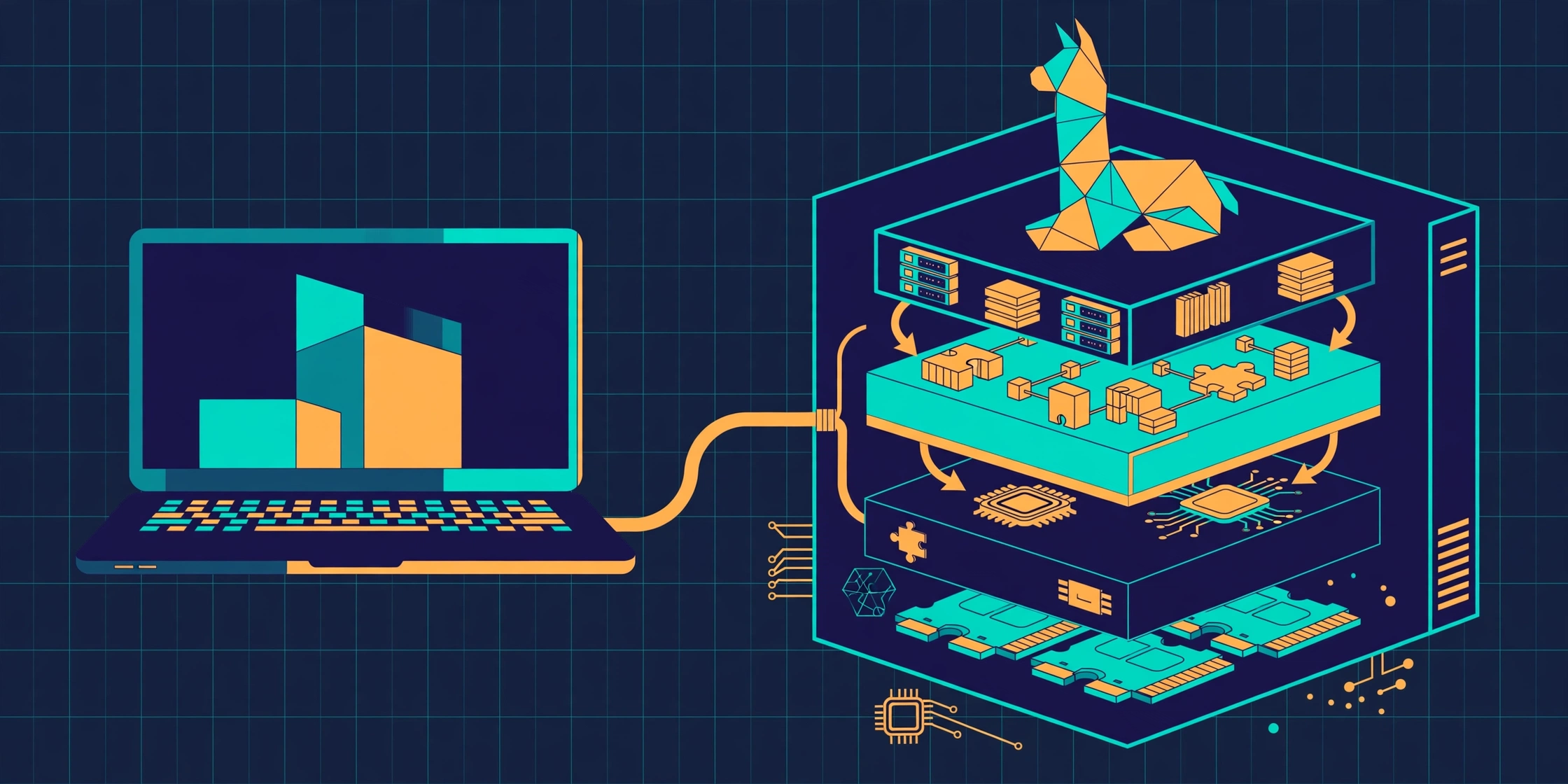
llama.cpp 1.0: Stable Local LLM Inference
On Monday morning, you update your local AI toolkit, open Ollama — and it errors out. The engine underneath changed: a renamed function, a missing flag, and yesterday’s long context now eats all your RAM.
After three and a half years on build numbers, llama.cpp v1.0.0 and ggml v1.0.0 arrived on 13/11/2026 with semantic versioning — the public C API is promised not to break silently for the first time.
What is llama.cpp 1.0?
A local inference engine
llama.cpp is not a model or chatbot, but an LLM inference engine in C/C++ running GGUF models locally or on servers, on CPU and GPU, built on ggml.
GitHub API, 15/11/2026: ggml-org/llama.cpp has 135,071 stars, 25,616 forks, MIT license, created 2023-03-10. The ggml-org team claims more than 150 model architecture variants — not independently verified.
The problem 1.0 solves
Before 1.0, the version was a build number such as b12359; public functions could be renamed or removed. From 1.0, semver applies only to the public C API in ./include: MAJOR for a breaking change, MINOR for a backward-compatible feature, PATCH for a fix that does not change the API, with API and ABI compatibility within the same MAJOR.
| Version | When it increases | What it means in practice |
|---|---|---|
| MAJOR | Public C API in ./include breaks | Code calling libllama may need changes |
| MINOR | New feature, backend, or model | Upgrades are usually safe |
| PATCH | Bug fix, no API change | Take the fix; lowest risk |
Semver 1.0 only protects the public C API in ./include — not CLI flags, the llama-server HTTP API, the GGUF format, or RPC, which jumped to v9 in 1.0.0 itself.
Who should use it
It benefits developers building local AI apps, self-hosters, and sysadmins running models themselves — not anyone chatting only through Ollama or LM Studio.
What is new in llama.cpp 1.0?
FP8 KV cache
The KV cache stores processed tokens’ keys and values, so new tokens avoid recomputing the whole prompt. At 32k tokens or more, it is usually the largest RAM/VRAM consumer.
Version 1.0 adds -ctk and -ctv with f8_e4m3 (PR #28392), storing K and V at FP8 instead of FP16, cutting KV memory by almost half. A theweightedaverage.com calculation on Qwen2.5-7B-Instruct at 32k context puts KV payload falling from 1,792 MiB to 896 MiB.
No public quality-loss measurement exists, so do not enable it by default — try it on your own long prompts first.
MoE expert cache and external PLE loading
In a Mixture-of-Experts (MoE) model, only some experts activate per token, but all must live in memory. When VRAM is short, 1.0 spills experts to host RAM via moe_cache_size and moe_cache_cpu_share.
It also loads a separate GGUF shard via --shard and --ple — see Colibri runs huge MoE models on a personal machine.
A harder llama-server
llama-server is what self-hosters expose to the local network most — and the riskiest if configured carelessly. Version 1.0 hardens it against SSRF, overly permissive CORS, DNS rebinding, and MCP tool cancellation on disconnect.
The server also adds an OpenAI-compatible /v1/audio/speech endpoint, plus a temperature option for /tts — an app written for OpenAI’s text-to-speech API can point at a local server. Before exposing it to a LAN, check the bind address, authentication, and whether the port leaks online.
New models and a new web UI
Version 1.0 adds Kimi-K3.1-Pro, Ripple-65B-Preview, xing4_0, TTS drama-3, and vision for MageVL-Cowork and Kimi-K3.1.
Architecture
libllama — model loading, context management, sampling, speculative decoding — is the only layer the 1.0 semver promise protects. Underneath sits ggml, the core tensor library for computation graphs and quantization from 1.5 to 8 bit. Backends dispatch to Metal, CUDA, HIP, Vulkan, SYCL, CPU, and hybrid CPU+GPU hardware, which sets speed and VRAM/RAM use.
After tokenization, prefill computes KV values for the whole prompt. Decode then generates one token at a time from the KV cache — sampling picks the next and streams it to the client. NextN speculative decoding predicts several tokens ahead and verifies them in bulk.
flowchart TD
    A["Ollama, LM Studio, curl"] <--> B["llama-server / llama cli"]
    B <--> C["libllama — public C API ./include<br/>Protected by semver 1.0"]
    C --> D["ggml<br/>FP8 KV cache: -ctk/-ctv f8_e4m3"]
    D --> E["CPU / Metal / CUDA / Vulkan / HIP / SYCL"]
    E --> F["Host RAM: MoE cache spill<br/>VRAM: model + KV cache"]
    G["GGUF: --shard / --ple"] --> C
Requests flow app → server → libllama → ggml → hardware. FP8 KV cache lives in ggml; MoE experts spill to host RAM when VRAM is short.
Install and run
Prerequisites
llama.cpp runs on Linux, macOS, Windows, Android, and iOS. For a first try, pick Qwen3.5-0.8B-GGUF, needing only a few hundred MB to just over 1 GB.
Install with the install script
Linux/macOS:
curl -LsSf https://llama.app/install.sh | shWindows PowerShell:
irm https://llama.app/install.ps1 | iexOnly run scripts from llama.app, then verify:
llama --versionRun your first model
llama cli -hf ggml-org/Qwen3.5-0.8B-GGUFThe -hf flag downloads a GGUF model from Hugging Face; the new unified CLI is llama cli and llama serve, not old llama-cli or llama-server.
Start llama-server
llama serve -hf ggml-org/Qwen3.5-0.8B-GGUFVerify with curl:
curl http://localhost:8080/v1/models
curl http://localhost:8080/v1/chat/completions \
  -H "Content-Type: application/json" \
  -d '{"model": "Qwen3.5-0.8B-GGUF", "messages": [{"role": "user", "content": "Chào bạn, bạn là ai?"}]}'
Try the TTS endpoint:
curl http://localhost:8080/v1/audio/speech \
  -H "Content-Type: application/json" \
  -d '{"model": "Qwen3.5-0.8B-GGUF", "input": "Xin chào, đây là thử nghiệm giọng nói.", "voice": "alloy"}' \
  --output test.mp3
Expect OpenAI-standard JSON for the first two, audio for the TTS command.
Enable the FP8 KV cache
llama serve -hf ggml-org/Qwen3.5-0.8B-GGUF -c 32768 -ctk f8_e4m3 -ctv f8_e4m3To verify: run the same model at the same context length with and without the flags, then compare KV/RAM usage. Do not confuse KV-cache savings with model file size — FP8 KV only shrinks runtime memory.
Not benchmarked on a real machine; commands checked against the official README only.
Upgrading to 1.0: breaking changes
Version 1.0 removes llama_set_warmup, 35 other deprecated functions, defrag_thold, and the --defrag-thold flag (PR #30565). Before upgrading, grep your source and startup scripts:
grep -rn "llama_set_warmup\|defrag_thold" --include="*.c" --include="*.cpp" --include="*.h" --include="*.sh" .Fix any hits before upgrading. Do not upgrade production on release day: pin the old version, test on staging first. RPC is now v9, so old and new nodes cannot talk — upgrade all RPC nodes together.
Assessment
Pros. A stable API and ABI for the first time in 3.5 years, so downstream apps break less on upgrades; FP8 KV cache and MoE host cache help long contexts and large MoE models run on modest hardware.
Cons. 1.0 is no faster by default, and end users may notice nothing right away. FP8 KV cache has no public accuracy data, and MoE offload to host RAM is slower than VRAM on frequent misses.
Security when self-hosting. The main risk is the server becoming a compute proxy or SSRF point probing the internal network. Version 1.0 hardens SSRF, CORS, and DNS rebinding, but no patch replaces authentication and network segmentation.
Performance and scaling — only what the data supports. No speed benchmark here — the release has none. Scale with multiple llama-server instances behind a load balancer, or add RPC nodes; RPC v9 requires version synchronisation.
Comparison with alternatives
Compare roles, not names: engine versus complete application.
| Criteria | llama.cpp | Ollama | LM Studio |
|---|---|---|---|
| Role | Inference engine | App + server | Desktop app, GUI |
| How to run a model | libllama, CLI, llama-server | A single pull command | Download via the interface |
| Customisation | Highest | Medium | Lowest |
| Operational difficulty | Highest | Low | Lowest |
| Best for | Developers embedding it | Self-hosters wanting speed | End users |
These three are not replacements for each other — Ollama and LM Studio sit on top of llama.cpp. vLLM and TensorRT-LLM optimise throughput for many simultaneous GPU-server requests. In my view, choose llama.cpp for a homelab or personal machine, vLLM for production on a GPU farm.
Use cases
Homelab: run llama-server on a homelab machine; internal apps call the OpenAI-compatible API, data stays at home.
Sysadmin/IT: deploy a small model on an existing server for internal Q&A and document summarisation — no cloud API.
Developer: call libllama directly from C/C++ or llama-server over HTTP; semver 1.0 reduces API-breakage risk on upgrades.
AI workflows and coding agents: a coding agent calls a local model via llama-server for privacy or offline use. Further reading: Qwen Code agent runs local models and BotPsy, a 0.8B AI agent model that runs on your machine.
Troubleshooting
| Symptom | Cause | Fix |
|---|---|---|
llama: command not found | Binary not in PATH | Use llama cli, not the old llama-cli |
| Port 8080 in use | Another server is running | Change the port with --port |
| Model download slow or errors | Wrong -hf repo name, disk full | Check repo name and free space |
| Out of RAM/VRAM loading a model | Model too large for the machine | Pick a smaller model or spill MoE experts to host RAM |
--defrag-thold flag errors | Flag removed in 1.0 | Remove the flag from startup |
| C/C++ code fails to compile after upgrade | Still calls a removed function | Grep the old function, fix per new headers |
| RPC node cannot connect after upgrade | RPC protocol is now v9 | Upgrade all nodes together |
Backup and rollback
Before upgrading, keep the working binary or image plus configuration and startup scripts. In Docker, pin a specific image tag, not latest. To roll back: stop the server, point back to the old binary or image, restart, and check /v1/models with curl.
Conclusion: who is llama.cpp 1.0 for?
It fits downstream developers, self-hosters, and DevOps teams hosting models themselves. If you only chat through Ollama or LM Studio, wait for the app to update to 1.0. Next step: try the 0.8B model, enable FP8 KV cache on a real workload, and measure memory.
Lessons learned
- 1.0 is a promise to developers; end users benefit only indirectly — fewer broken apps, not faster models.
- KV savings only matter with long contexts: with short prompts, FP8 KV saves too little to offset unmeasured rounding error.
- Server hardening does not replace auth and network segmentation.
- Breaking changes still exist outside the public C API — read the release notes before every upgrade.
- With no speed benchmark, do not expect faster runs.
Verification scope
Checked 15/11/2026 against the llama.cpp and ggml v1.0.0 GitHub releases and ggml-org’s blog. Commands were checked against the official README; llama.cpp was not installed or benchmarked here. The 896 MiB figure is a third-party illustrative calculation, not a measured result. Not checked: whether Ollama and LM Studio have switched to 1.0, or FP8 KV accuracy per model.
References
- llama.cpp v1.0.0: https://github.com/ggml-org/llama.cpp/releases/tag/v1.0.0
- llama.cpp v1.0.0 — Hugging Face blog: https://huggingface.co/blog/ggml-org/llama-cpp-v1
- ggml v1.0.0: https://github.com/ggml-org/ggml/releases/tag/v1.0.0
- llama.cpp — Repository: https://github.com/ggml-org/llama.cpp
- FP8 KV cache — 896 MiB calculation: https://theweightedaverage.com/posts/2026-11-13-llama-cpp-fp8-kv-payload/
Bình luận
Bình luận được duyệt trước khi hiển thị.Đang tải bình luận…
Để lại bình luận